Creating a Manual Check
Manual checks are created in the same way as default checks, but with thetype field set to manual
in the UI:


Setting the State of a Manual Check
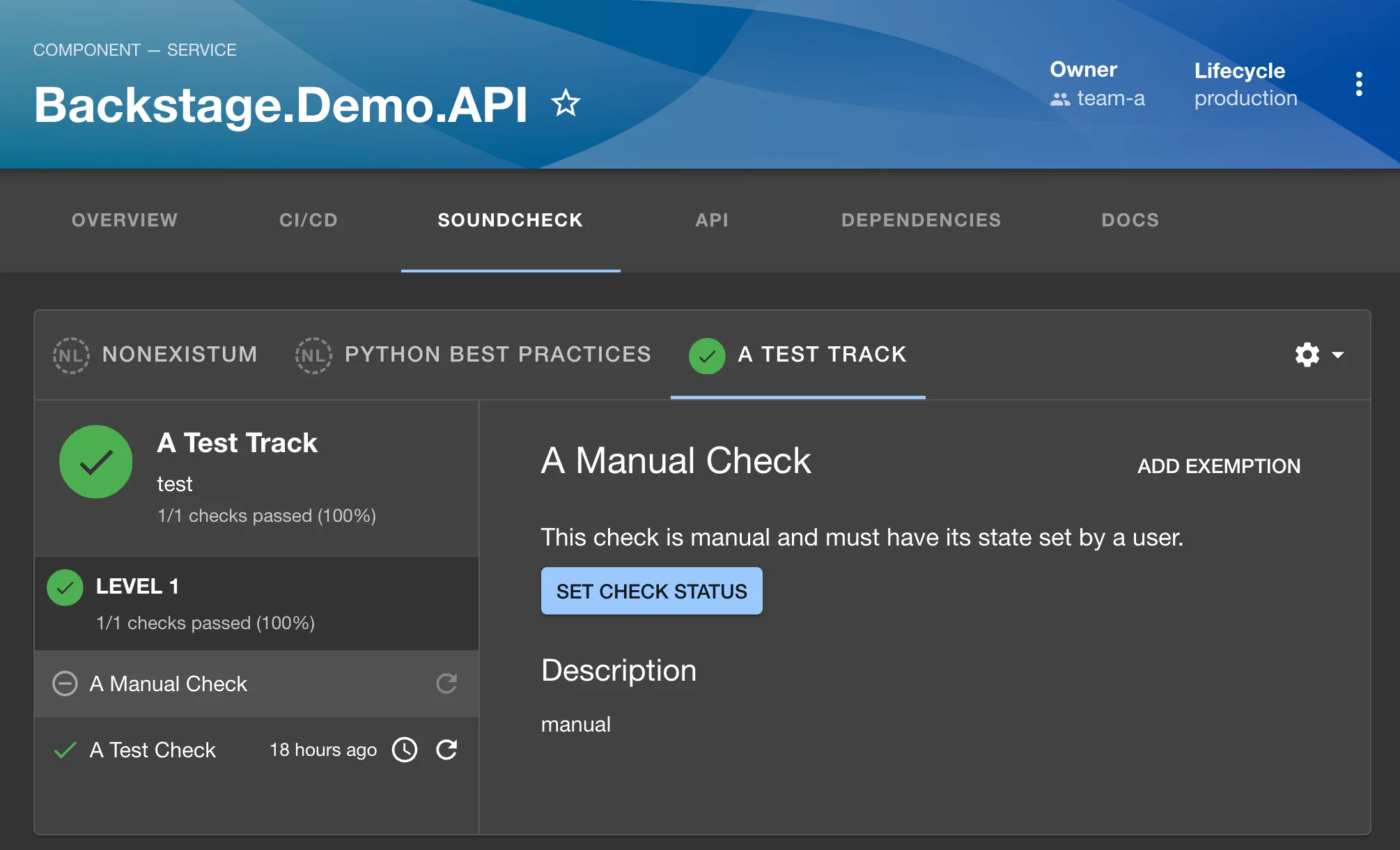
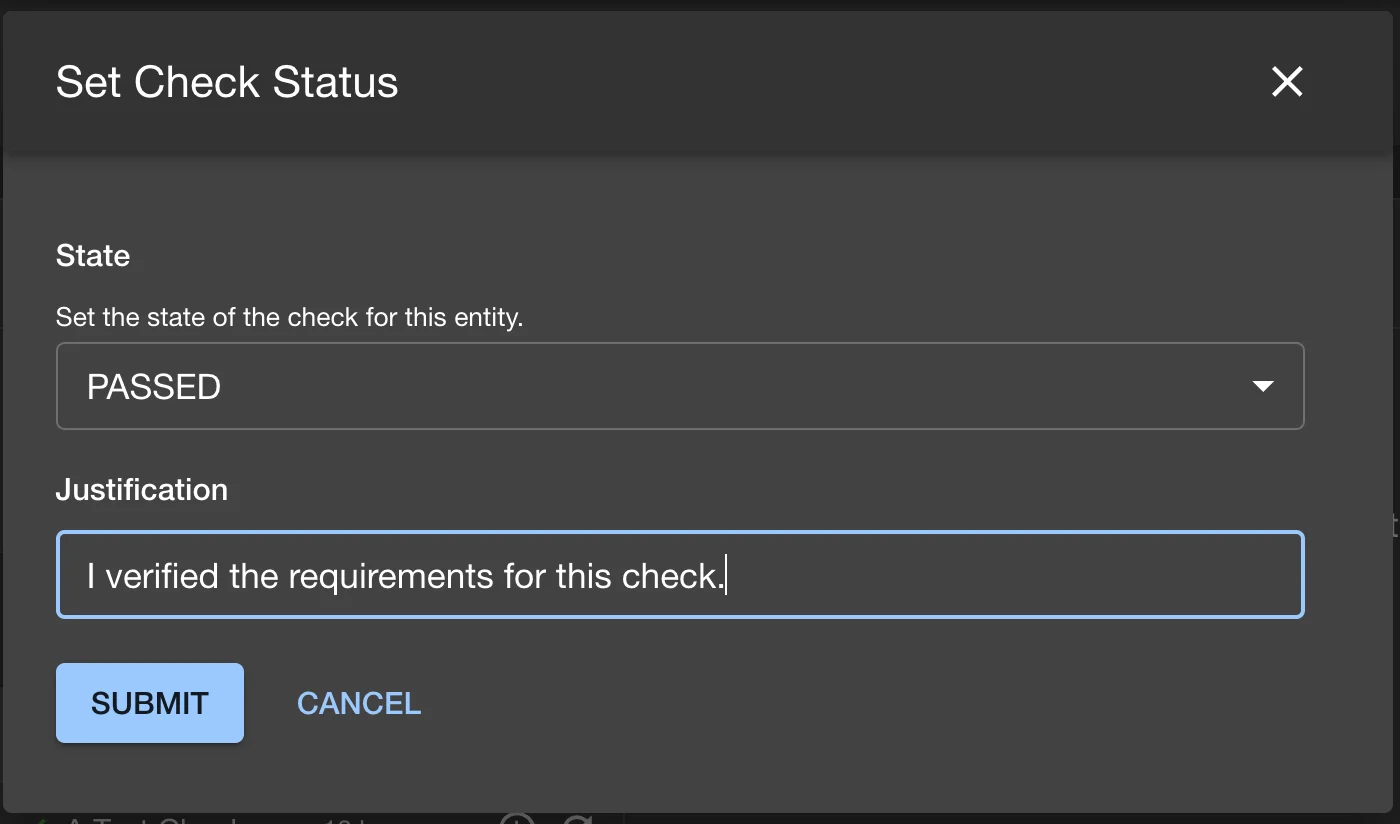
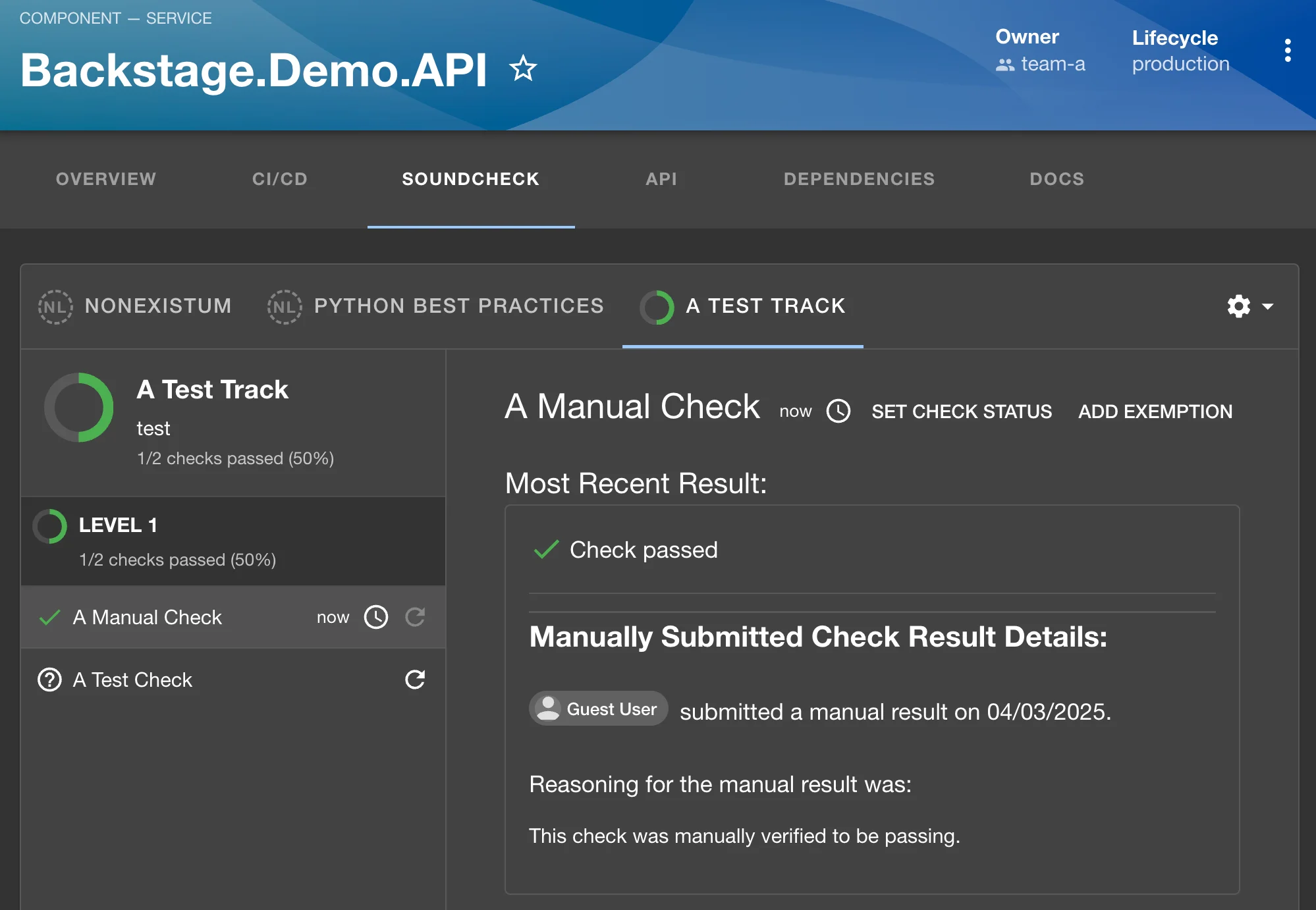
Once created, the state of a manual check can be set in the UI by navigating to an entity’s Soundcheck tab and selecting a track that contains the manual check. Clicking on the check will show details in the details pane on the right side of the page. The state of the check can be set by clicking on theSet Check Status button: