

Overview
dbt is an open source tool that allows data practitioners to write centralized, modular SQL logic to transform their data. Both the dbt cloud and dbt core offerings integrate seamlessly with data platforms also supported in the Data Registry, like BigQuery, Snowflake, and Redshift. Using the plugin centralizes your dbt metadata into the Data Registry, helps you keep track of the ownership and metadata, and enriches existing Datasets with additional, dbt-specific metadata. The dbt plugin allows you to ingest dbt projects as Components in the Software Catalog. It does this by scanning the Manifest file generated any time a dbt command parses your project. Once ingested, you can see information about all the models associated with the project on the corresponding Component page. Similar to the other data source plugins, this dynamic ingestion process means dbt Components don’t have to be managed via declarative yaml.

Configuration
In order to ingest dbt projects, the dbt module must be configured to point to bucket(s) inside of S3 or GCS where the Manifest files are stored. Manifest artifacts are emitted inside the same location as your dbt code, so a prerequisite step is ensuring the Manifests end up inside the bucket(s) you specify. The module will search the entire bucket for any files titledmanifest.json, including those inside nested folders. It’s possible to pull manifests from multiple storage locations, spanning the different cloud providers.
Similar to the data source plugins, the dbt module also has optional configurations to set the default owner
& lifecycle values that will be applied to generated corresponding Components,
as well as a section to configure how frequently the plugin reaches out to S3 to search for Manifests.
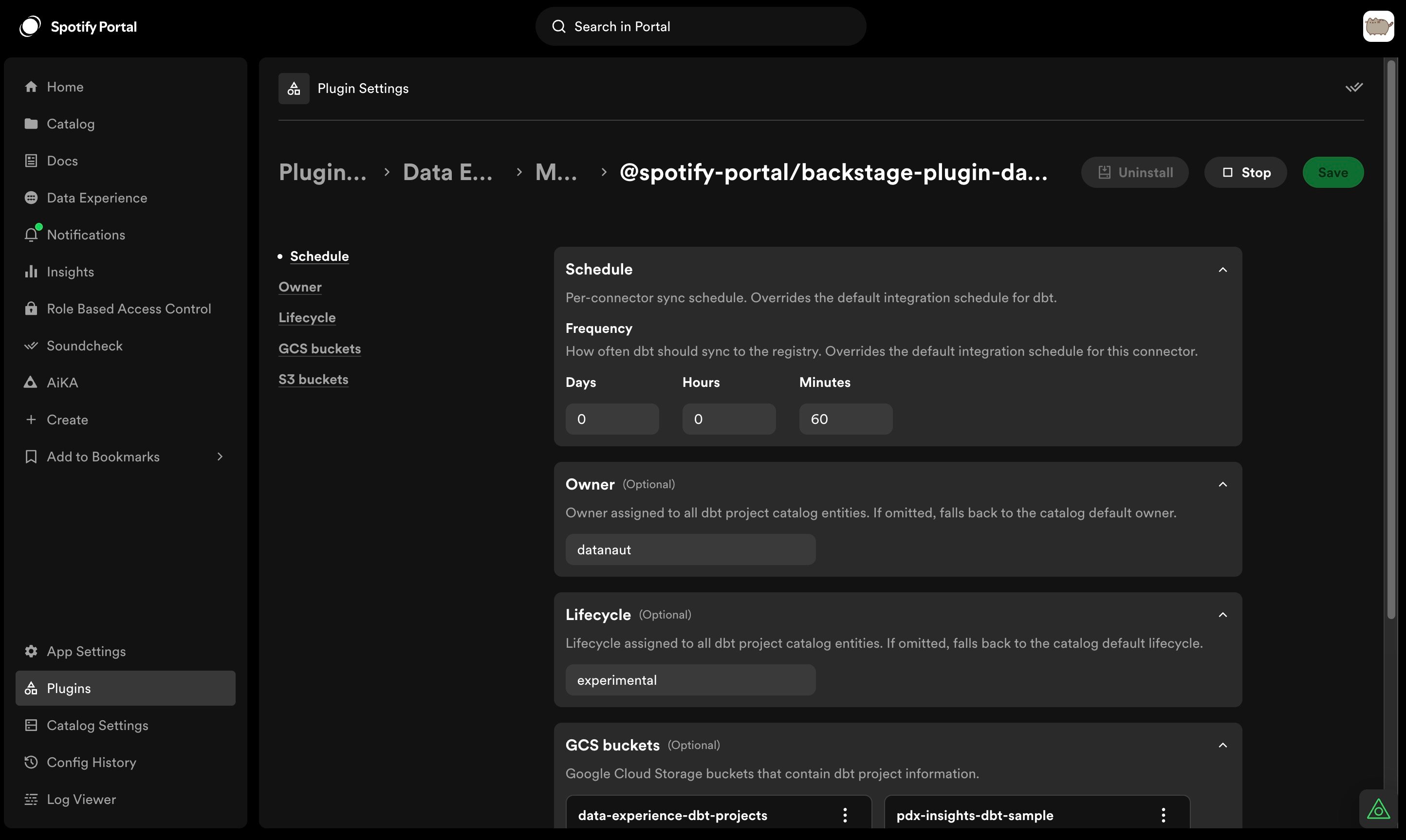
Pulling from Google Cloud Storage
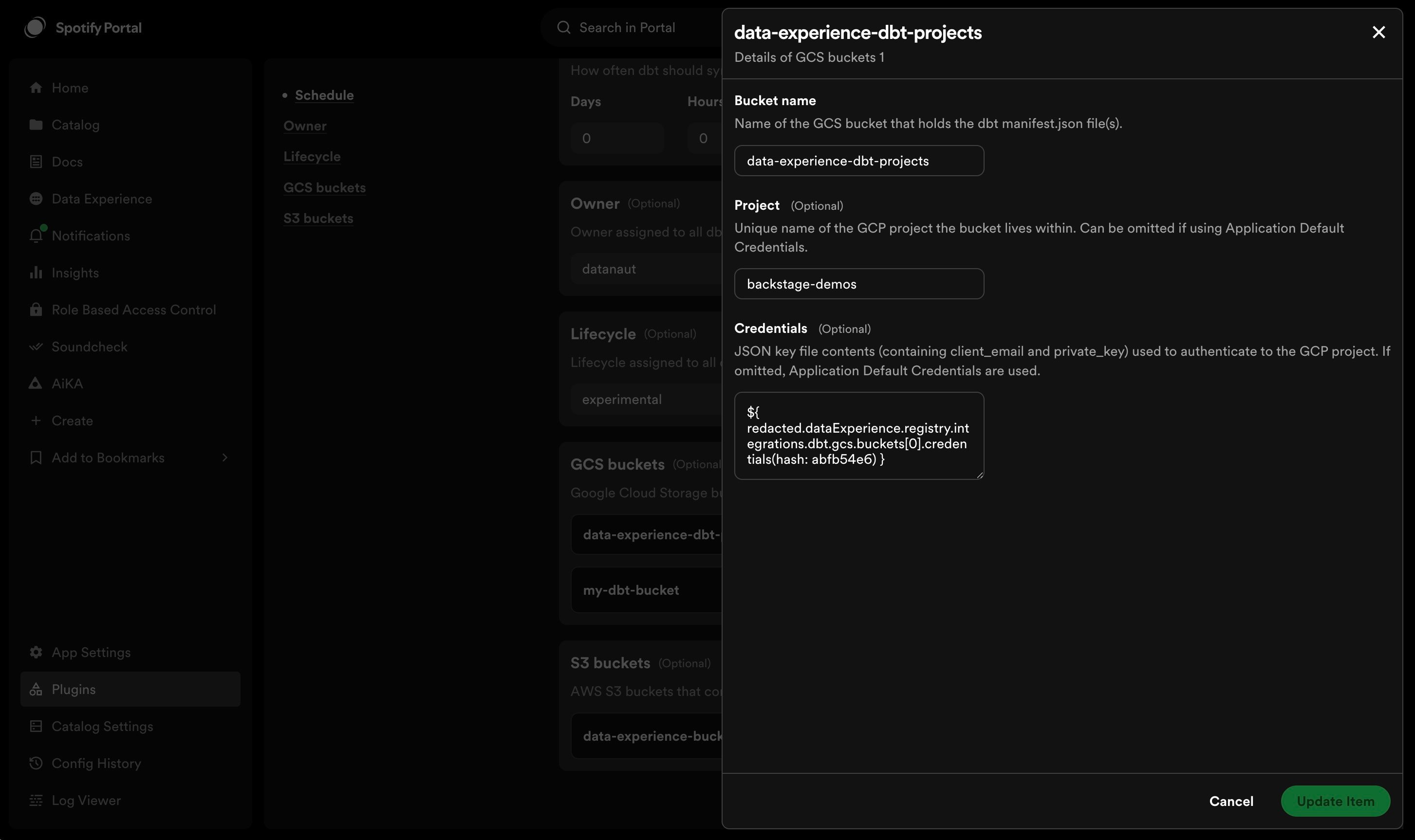
If using GCS, each bucket must be listed. The project name and credentials JSON are optional — if both are omitted, Application Default Credentials are used instead. When credentials are provided, the account associated with them needs thestorage.objects.list role, and storage.objects.get permissions on the bucket. Documentation on how to generate credentials for your GCP project can be found here.
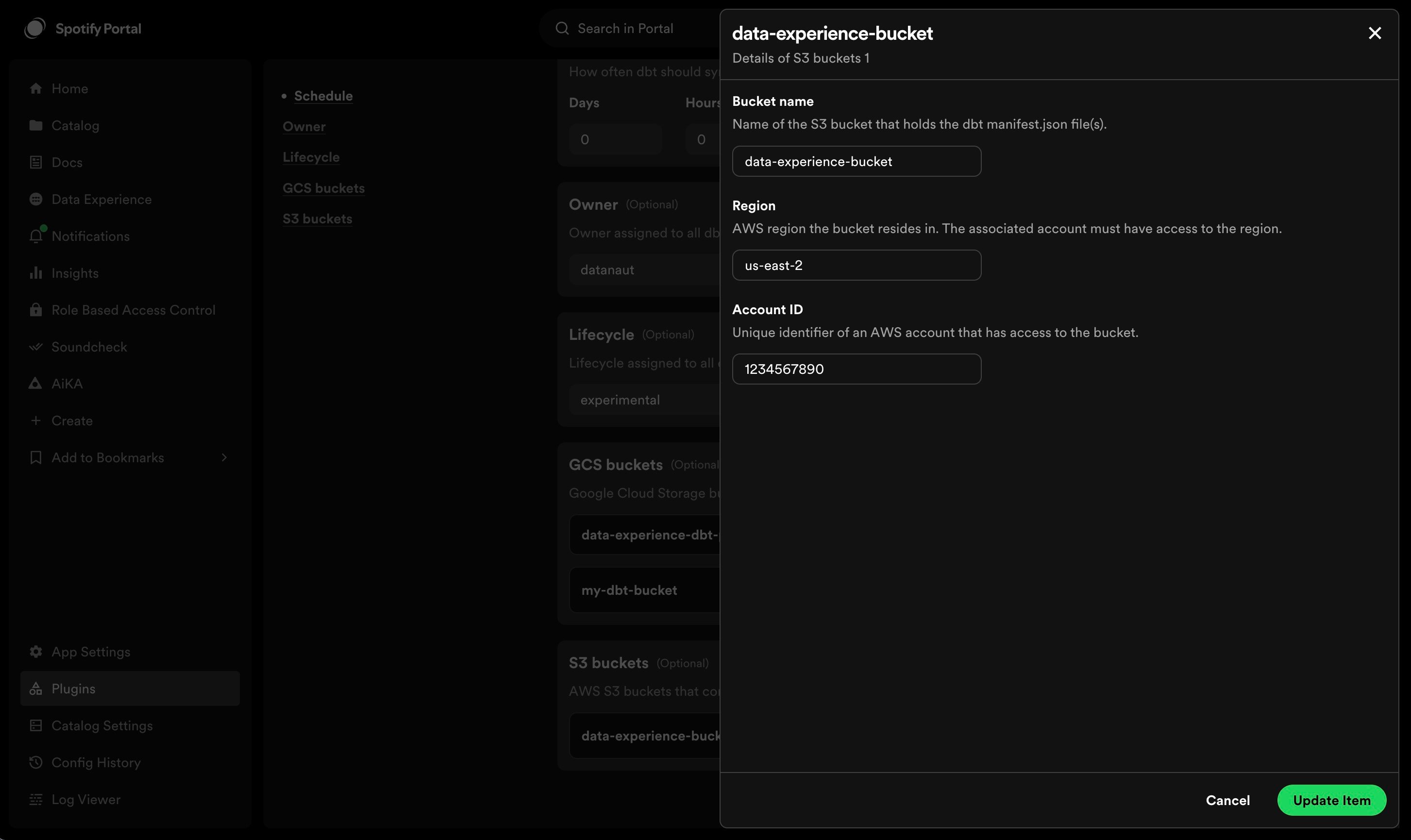
Pulling from Amazon S3
If using S3, each bucket, the bucket name, region, and AWS accountID must be included. Every accountID included in this section needs to have an associated auth config inside theApp section. The following example policy contains the required permissions to enable the dbt integration
to ingest your bucket files from S3
@backstage/integration-aws-node package to create a credential provider which is then passed into
the AWS client SDKs. Since it is handled by a separate plugin, the set up for the authentication for it is found under the App
config as seen below:

Reconciling DBT with Redshift
By default, dbt models that persist to Redshift don’t include enough identifying information to reconcile to their counterpart Dataset APIs. In order to enable Data Registry to make the connections, you can update the dbt_project.yml file to inject relevant metadata inside the Manifest. To do this, update the models section of the file to specifymeta fields that will be injected into the models generated
within the profile specified. cluster, accountID, and region must all be included in this section as keys, with their corresponding values from Redshift that were specified
inside the redshift dbt profile. Two approaches to doing this are as follows:
dbt_project.yml
Reconciling DBT with Databricks
By default, dbt models that persist to Databricks don’t include enough identifying information to reconcile to their counterpart Dataset APIs. In order to enable Data Registry to make the connections, you can update the dbt_project.yml file to inject relevant metadata inside the Manifest. To do this, update the models section of the file to specifymeta fields that will be injected into the models generated
within the profile specified. metastore_id must be included in this section as a key, with the appropriate metastore ID as the value. The metastore ID for the account or workspace can be found on the account console or by querying the system.information_schema.metastores table.
dbt_project.yml