Pre-built plugin installation is being rolled out gradually and might not be
available in your instance yet. Look for the Custom Plugins tab under
Admin → Plugin Settings. If the tab is not present, follow the previous
installer instructions. See Switching to
pre-built plugins for rollout details and help moving existing
plugins.
Update All Plugins
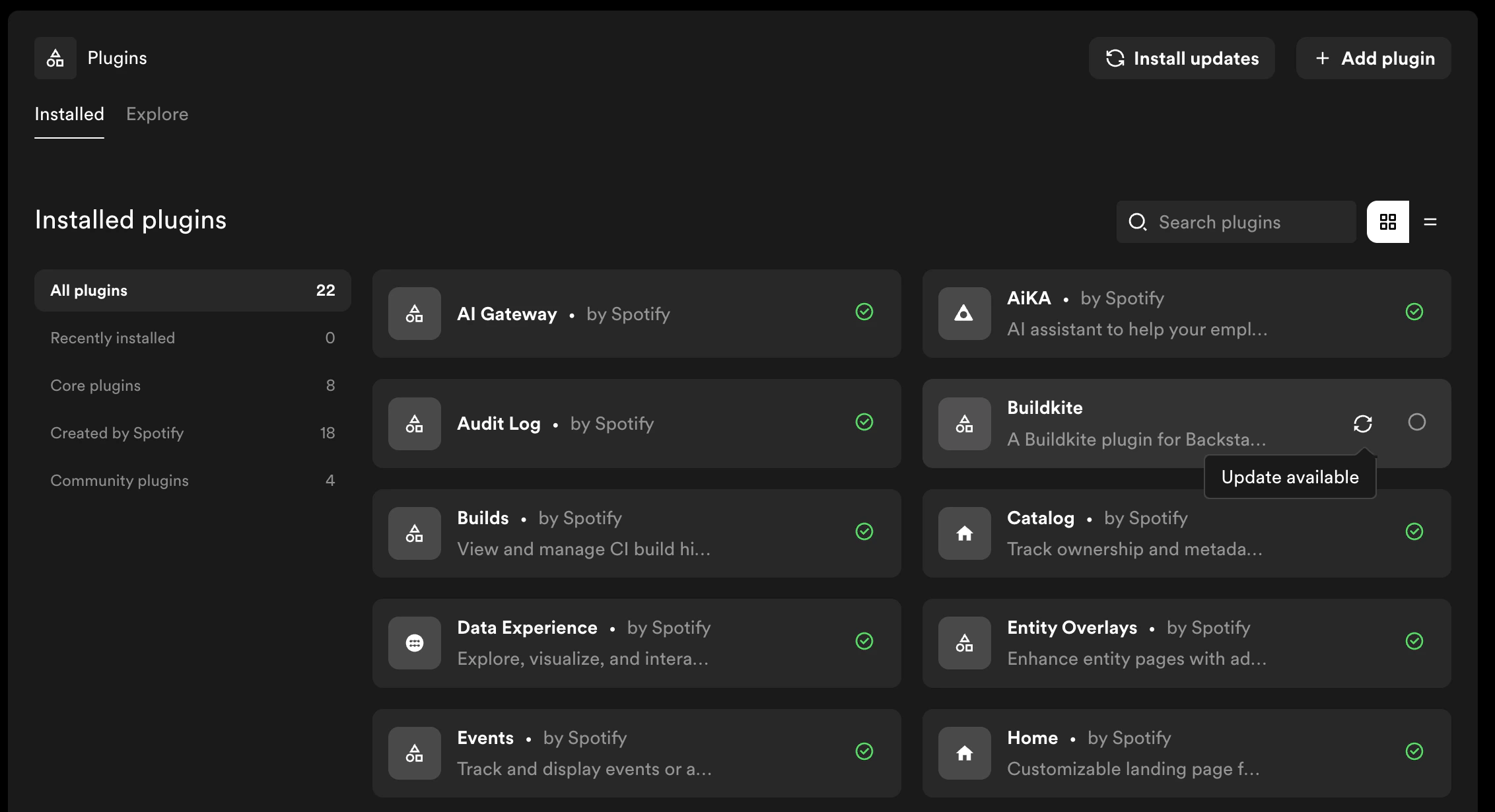
To update all plugins with available updates at once:- From the Plugin Settings home page, click Install updates in the top right
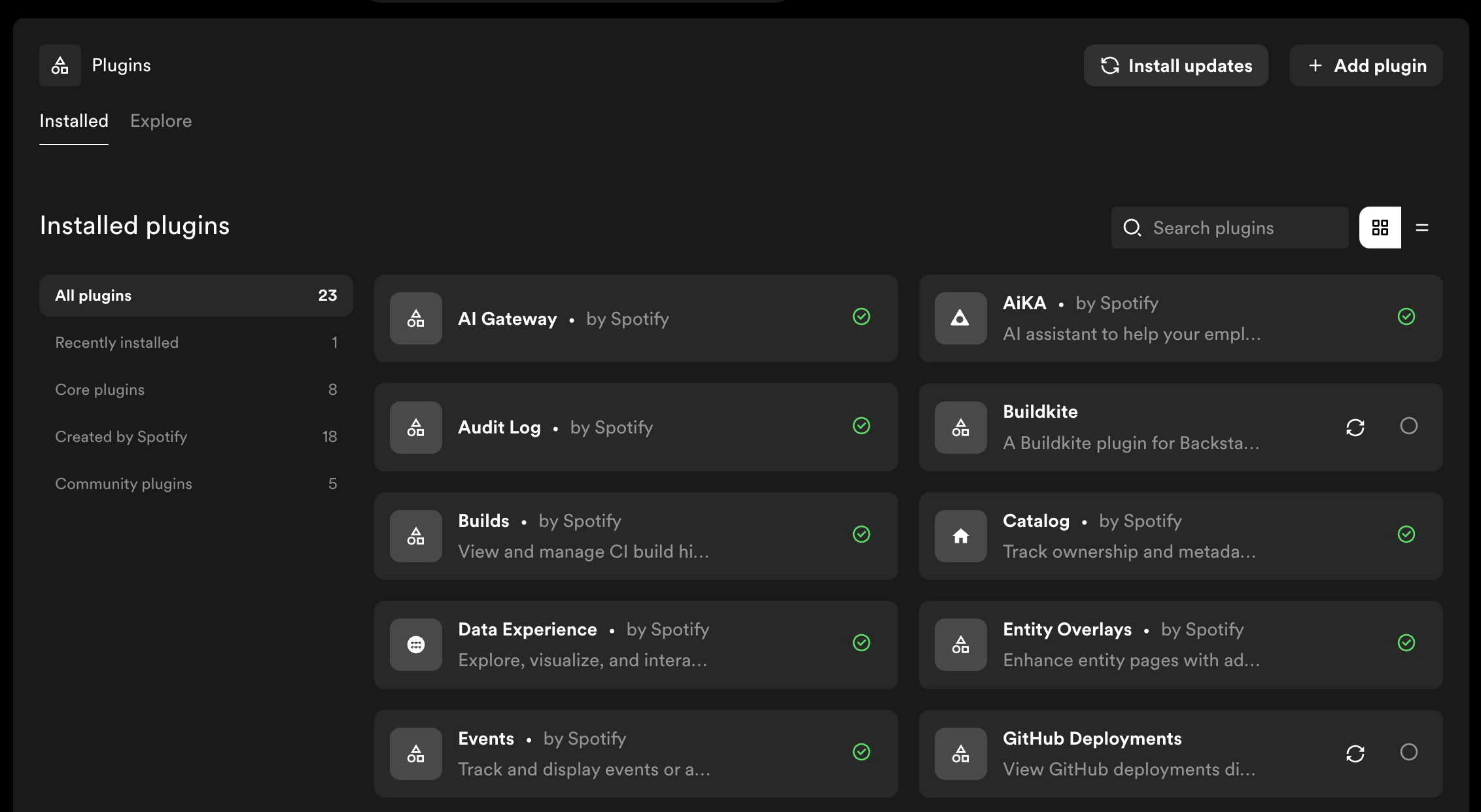
- In the update dialog, review the packages and versions that will be updated. You can edit the target versions if needed
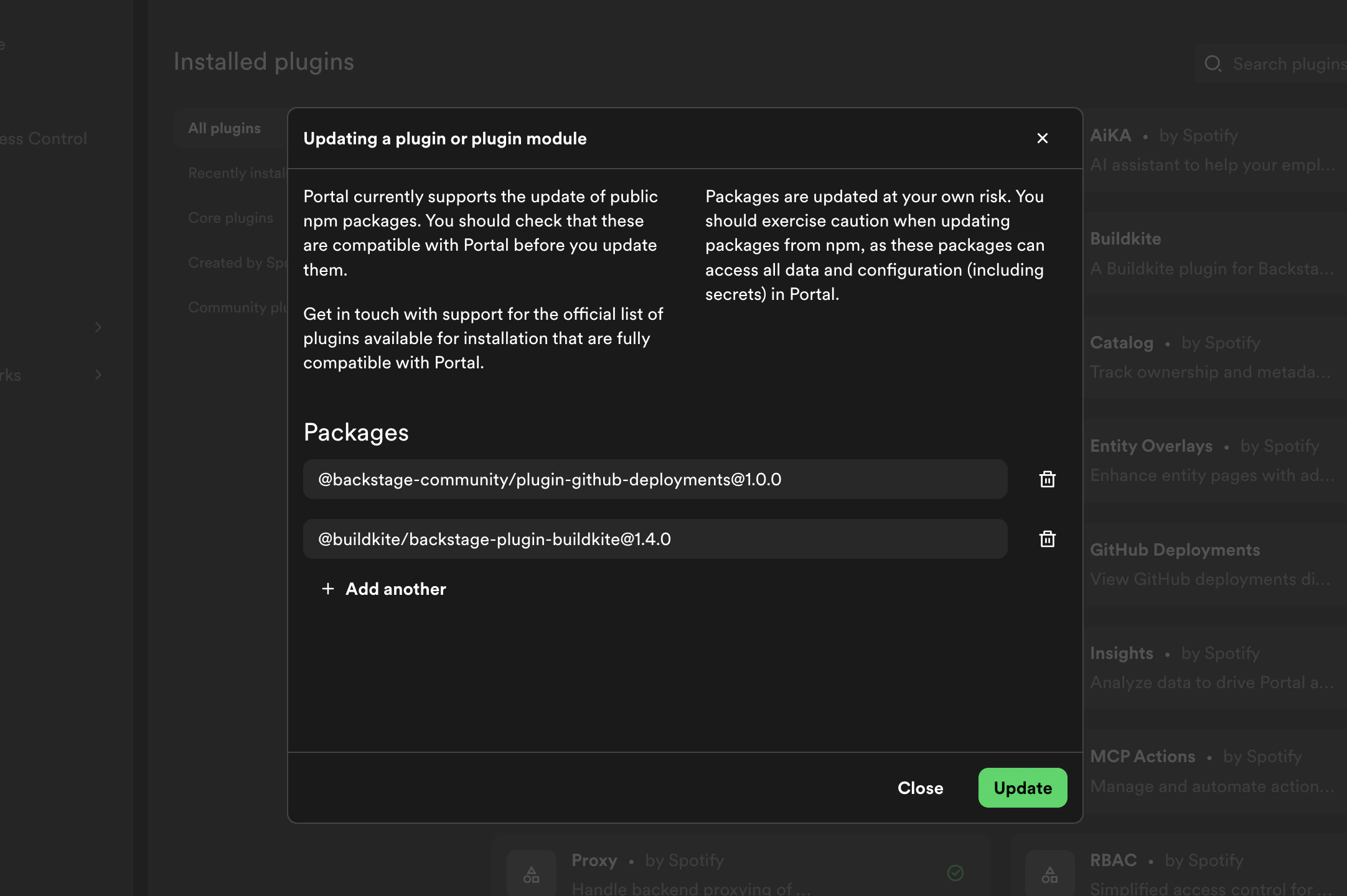
- Click Update to begin the update
- Portal applies the updates and closes the dialog when the operation succeeds. Configure and test the updated plugins.
Update an Individual Plugin
To update a single plugin:- From Plugin Settings, click on the plugin you want to update to open its detail page
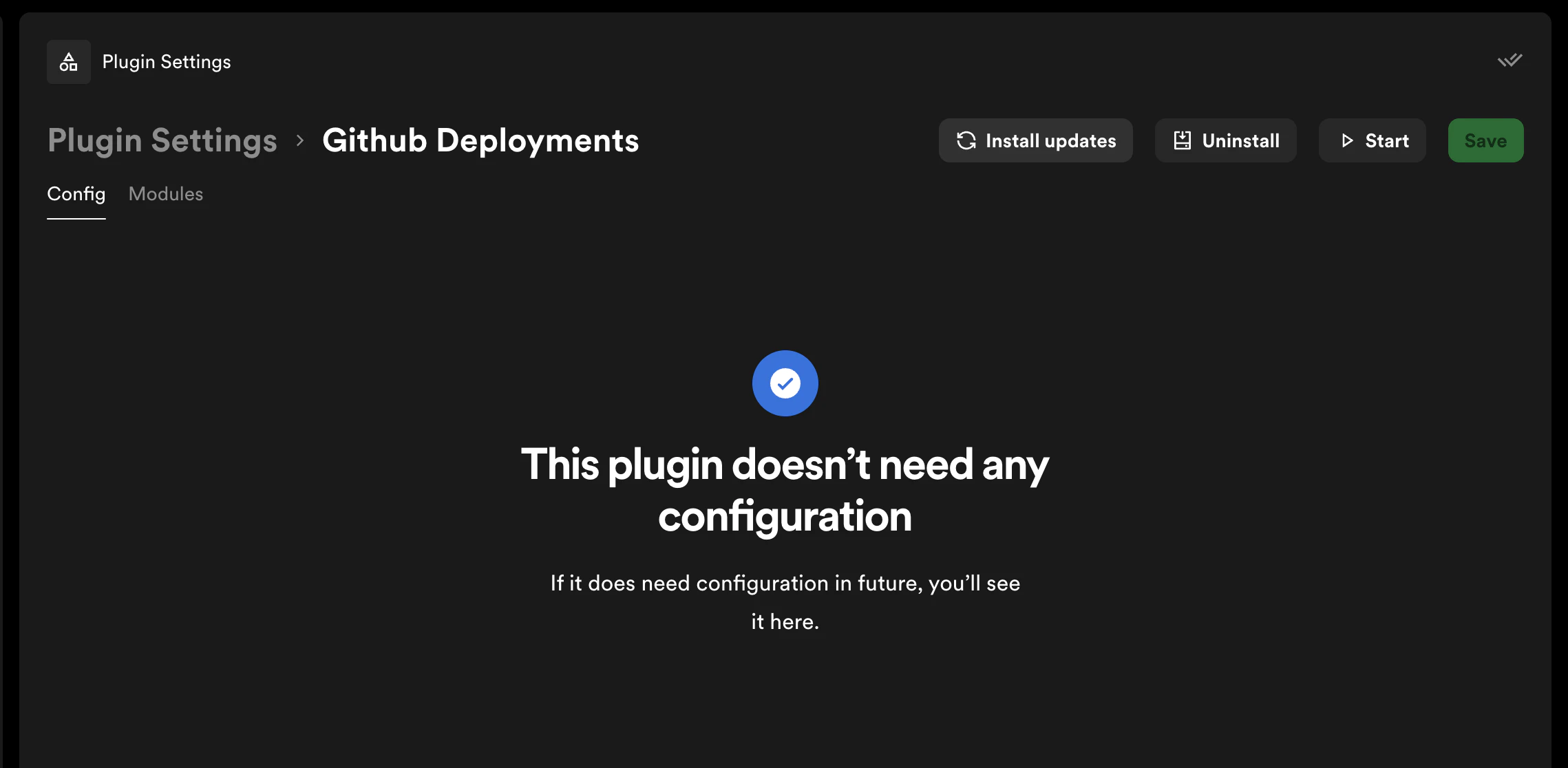
- Click Install updates in the top right
- In the update dialog, review the packages and versions that will be updated. You can edit the target version if needed
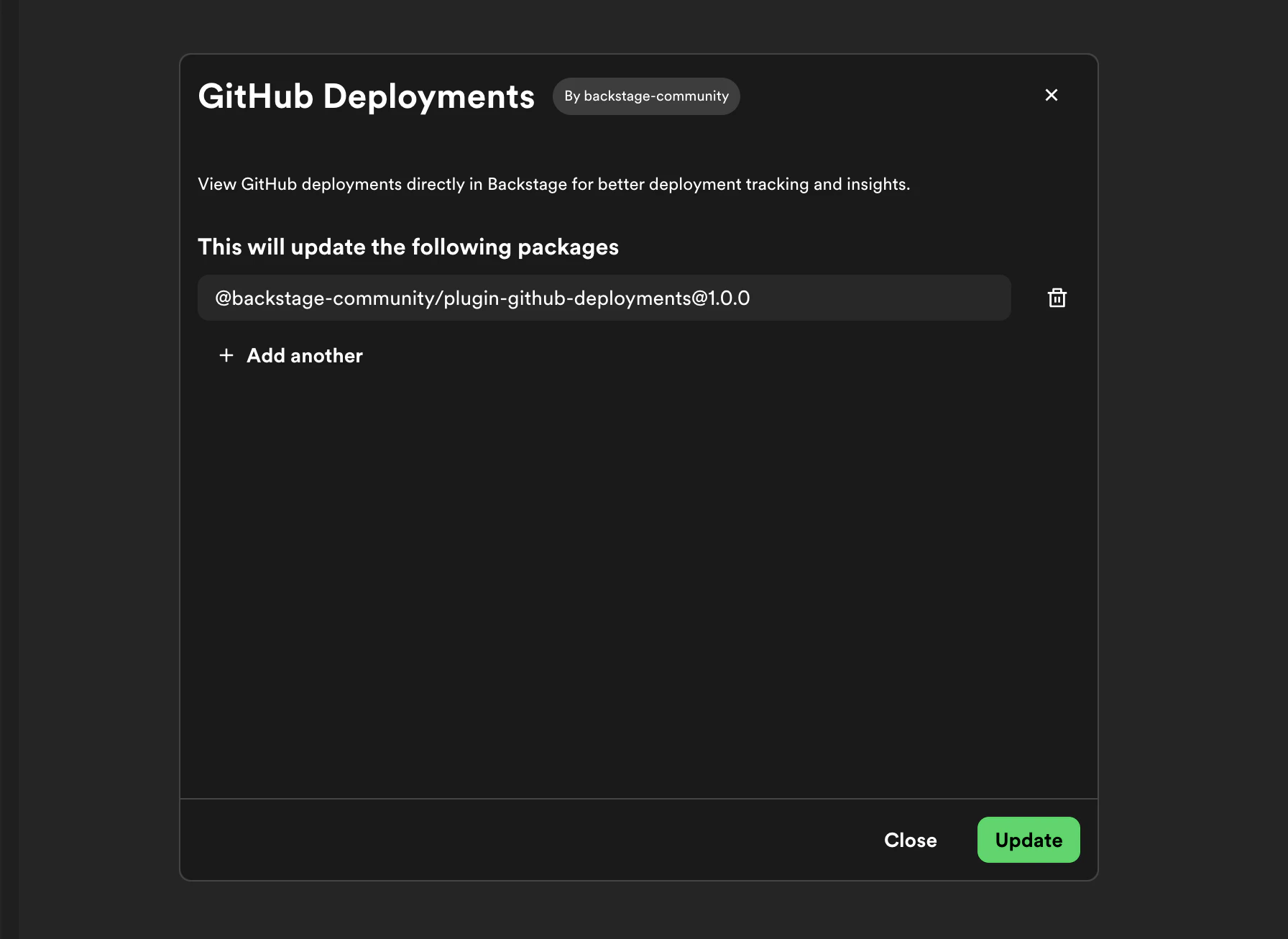
- Click Update to begin the update
- Portal applies the update and closes the dialog when the operation succeeds. Configure and test the updated plugin.
You can also update individual modules within a plugin. Navigate to the
module’s page and click Update to update just that module independently of
the rest of the plugin.
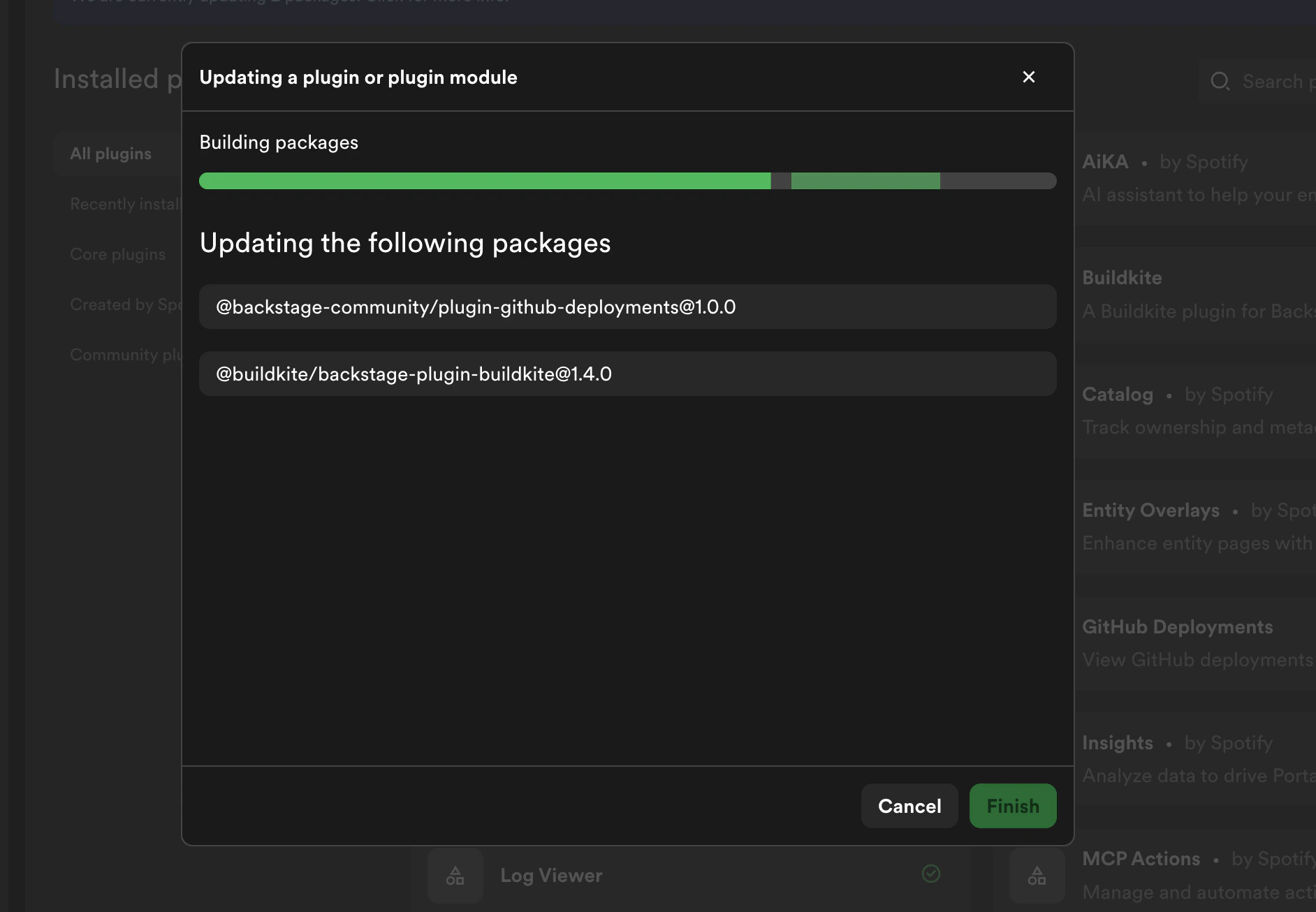
Using the previous installer
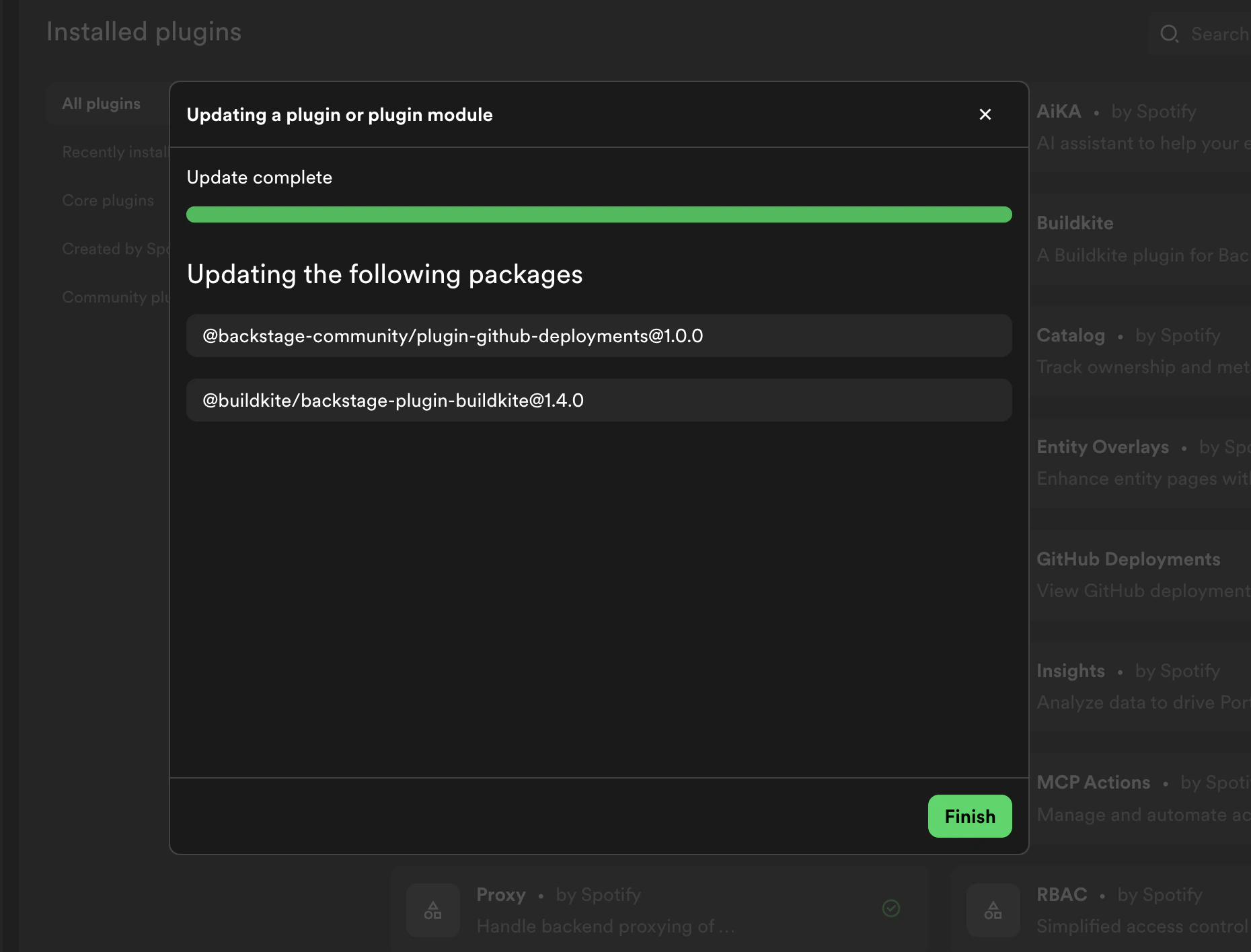
For packages installed with the previous installer, use the same update controls above. After you select Update, Portal starts a build. When the build completes successfully, select Finish to return to Plugin Settings.