

Pre-built plugin installation is being rolled out gradually and might not be
available in your instance yet. Look for the Custom Plugins tab under
Admin → Plugin Settings. If the tab is not present, follow the previous
installer instructions.
See Switching to pre-built plugins for rollout details and help
moving existing plugins.
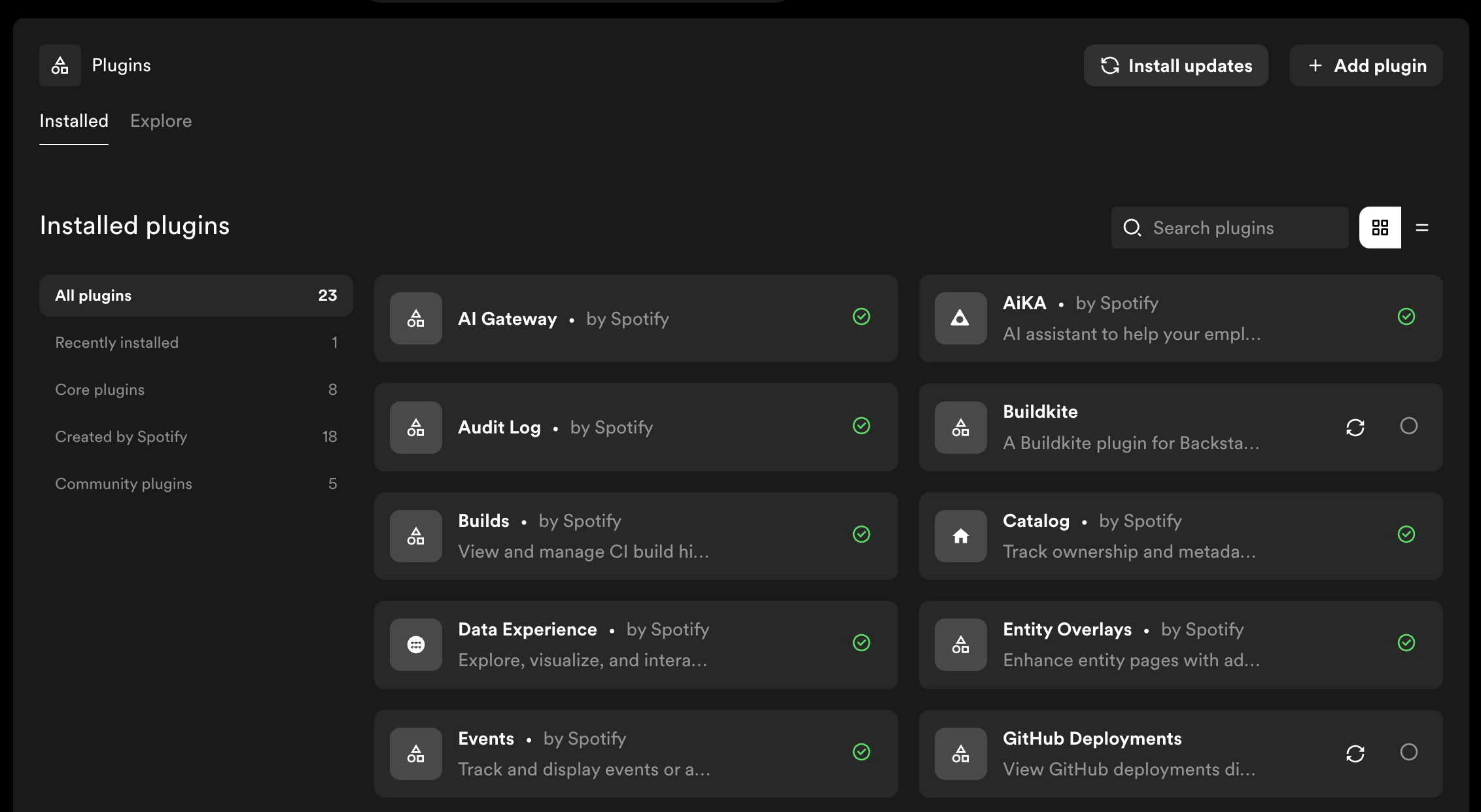
Plugin Operations
- Installing a Plugin — browse recommended plugins or install by package name
- Updating a Plugin — update installed plugins to newer versions
- Uninstalling a Plugin — remove plugins you no longer need
Before you install
Check the plugin’s documentation for setup requirements, such as configuration, credentials, or catalog annotations, and consider whether it fits your needs. Availability as a pre-built plugin does not guarantee that every feature will work in Portal. After installation, follow the plugin’s setup instructions and verify the features and integrations you plan to use.Further Reading
- Plugin Versioning — how Portal handles semantic versioning and update detection
- Developing Portal plugins — create, test, publish, and install custom plugins
Switching from the previous installer
- Switching to pre-built plugins — understand what changes and move existing public and custom plugins
- Build Progress — follow builds started by the previous installer