

This page is for Portal admins. The setup steps below require admin access
to your Portal instance and your SCM provider.
Supported features
SCM providers
AI providers and models
Coming soon
Prerequisites
- A Portal instance with the Fleetshift feature enabled
- Admin access to your GitHub organization, Azure DevOps project, or GitLab group, or the repositories you want to target
- Permission to update Portal plugin settings
Connect events
Fleetshift relies on webhooks so Portal can track pull request and push activity after agent jobs run. Set this up before your team starts running shifts. Choose your SCM provider below and follow the steps.- GitHub
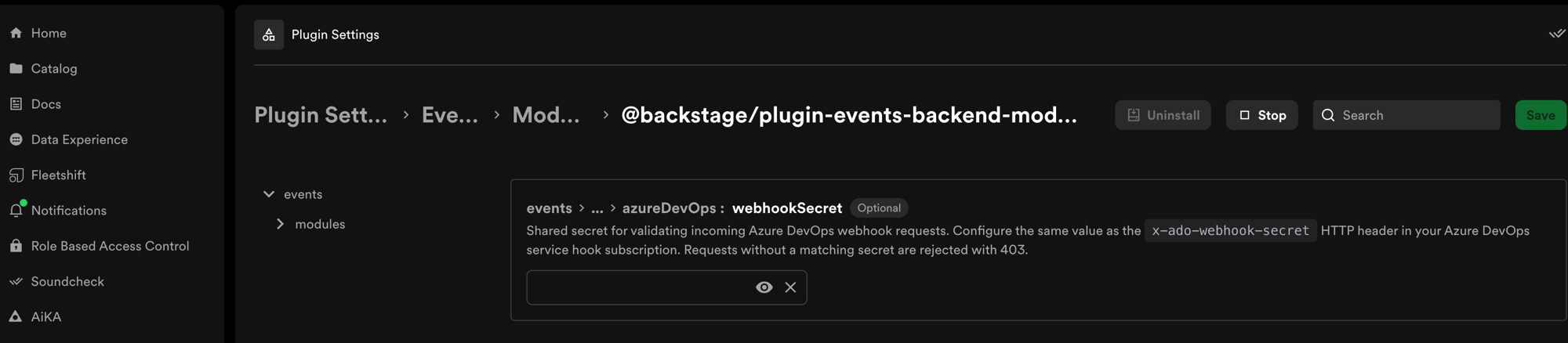
- Azure DevOps
- GitLab
We recommend org-level webhooks because new repositories are automatically covered. If
your organization does not allow org-level webhooks, you can create the same webhook on
each repository that Fleetshift will target.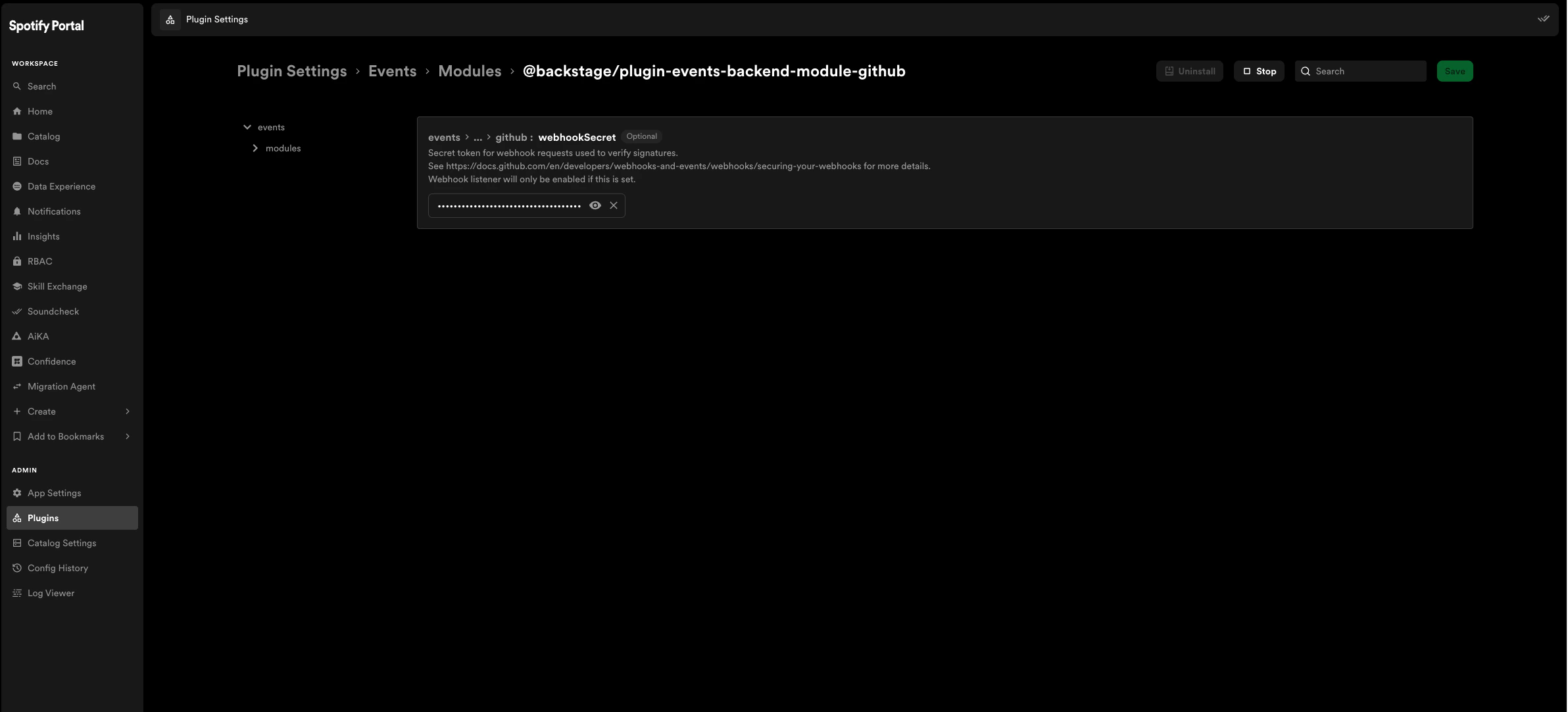
Create the GitHub webhook
- In GitHub, open your organization settings.
- Go to
Settings > Webhooks > Add webhook. - Fill in the webhook form:
Replace
<your-organization> with your Portal subdomain.Add the webhook secret to Portal
- In Portal, go to
Plugin Settings > Events Plugin. - Paste the same webhook secret into the
github:webhookSecretfield. - Save the configuration.
- Start the GitHub events module and events plugin if they are not already running.
Configure permissions (optional)
Fleetshift includes four permissions that you can assign to roles through your RBAC policy. If you want to control who can create, edit, and run shifts, assign these permissions to the appropriate roles.
At minimum, users need
fleetshift.shift.trigger to run shifts and
fleetshift.shift.create to define new shifts.
Next steps
Enable AI Shifts
Connect an AI provider and enable Claude models so agents can run.
Create and Run a Shift
Define your first shift and run it against target repositories.
Guides
Walkthroughs for Soundcheck remediation, bulk fixes, and AI-assisted
workflows.
MCP Actions
Drive Fleetshift from AiKA or any MCP-compatible AI agent.
Troubleshooting
Common errors and how to fix them.
npm Package Shifts
Write a deterministic shift as an npm package and publish it to your Portal
registry.
OpenRewrite Shifts
Run OpenRewrite recipes across your fleet for dependency upgrades, type
renames, and framework migrations.