

How generation works
The wiki follows a seed-and-maintain model:- Portal reads the Workspace metadata and resources.
- It proposes an initial page structure and content.
- You review each suggestion before it becomes part of the wiki.
- As resources and decisions change, Portal proposes additions or updates.
Understand the reserved pages
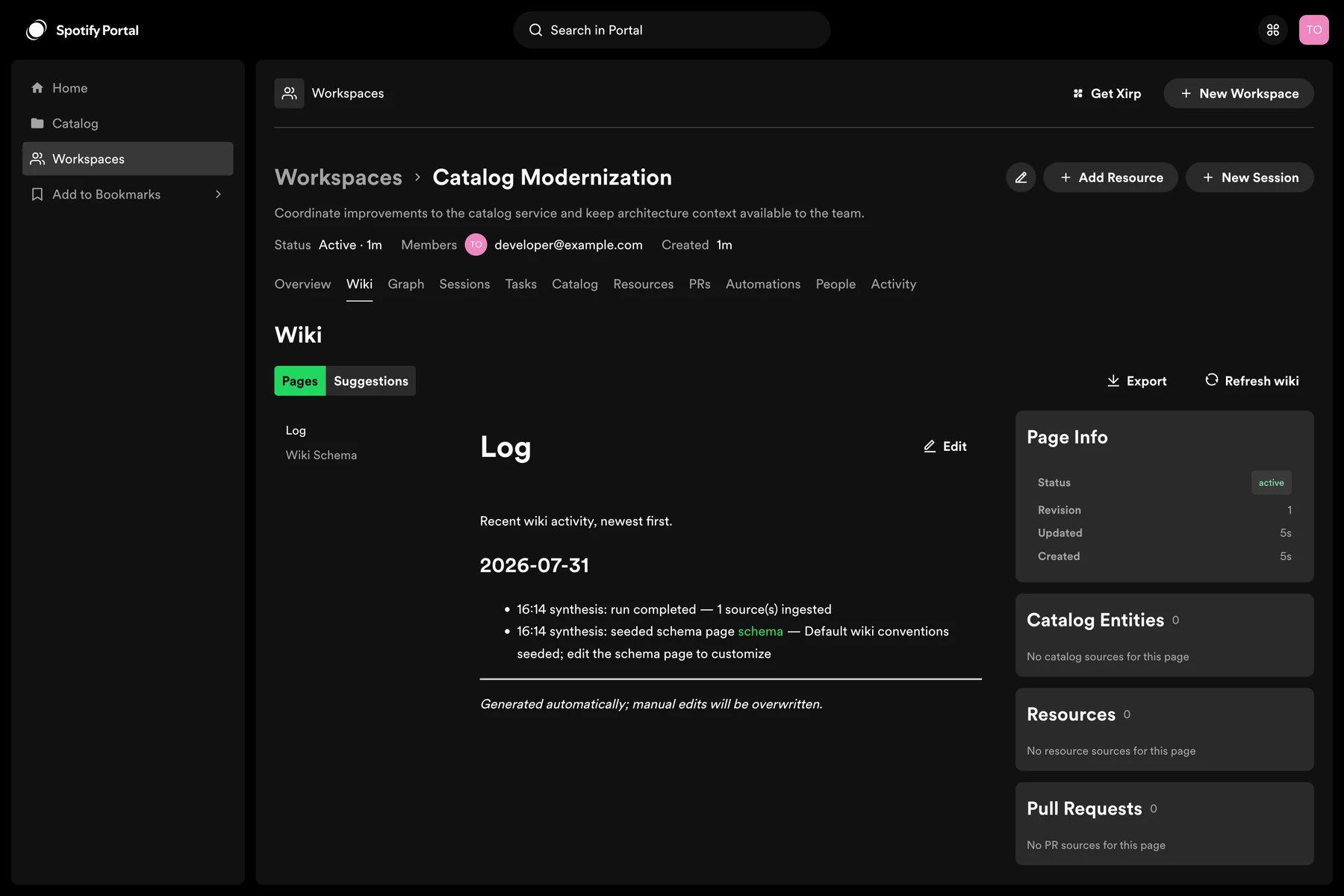
Each generated wiki starts with three reserved pages:- Wiki Index is the generated table of contents, grouped by category. Portal maintains it automatically.
- Wiki Log records generated wiki activity. Portal maintains it automatically.
- Wiki Schema contains the instructions used to generate and maintain suggestions. You can edit this page to override the default prompt.
Review a suggestion
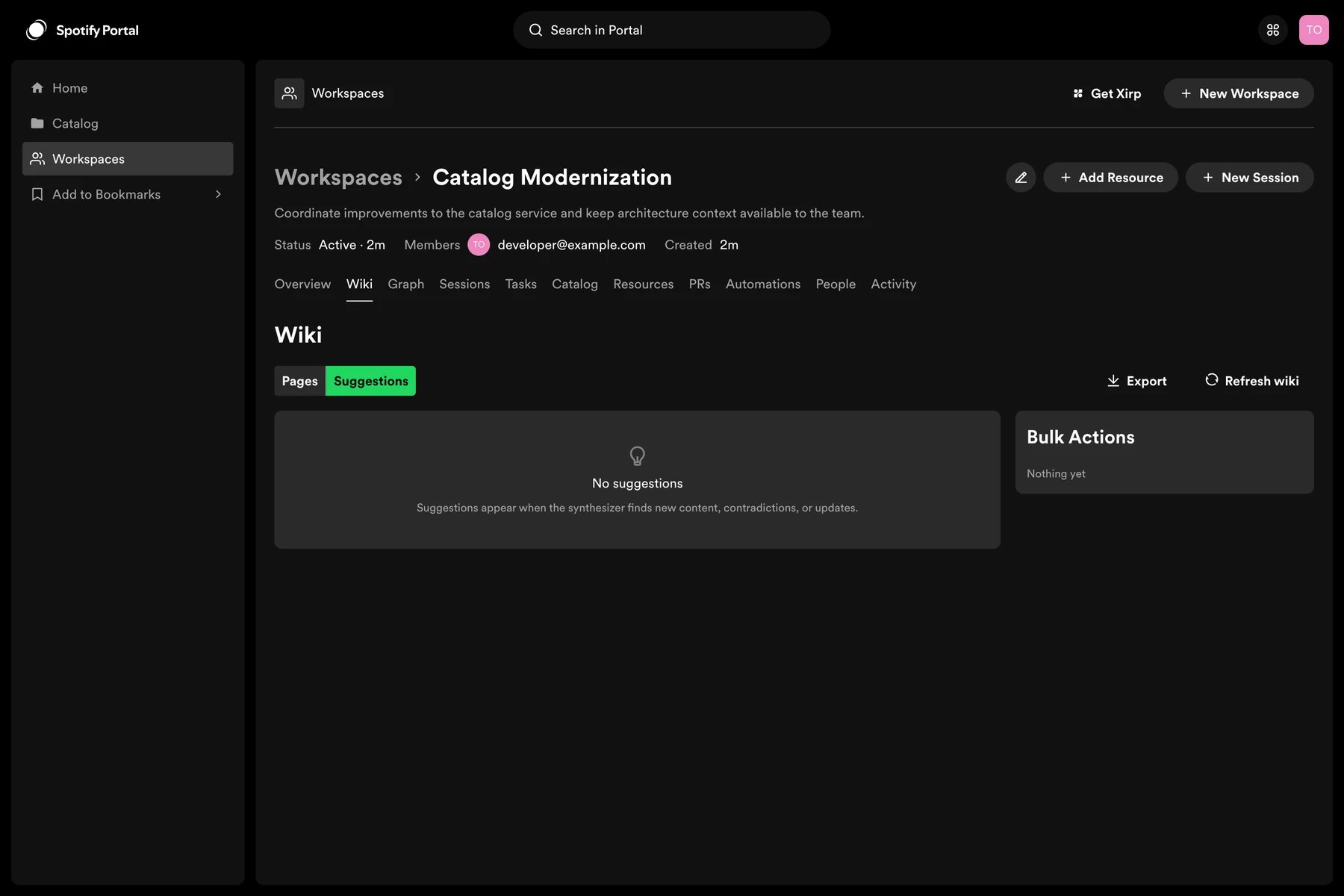
- Open the Workspace’s wiki or suggestions view.
- Select a pending suggestion.
- Compare the proposed content with the cited Workspace resources.
- Choose Accept, Reject, or Dismiss.
- Accept publishes the proposed page or update.
- Reject marks the proposal as incorrect or unsuitable.
- Dismiss removes it from the current review queue without publishing it.
Create or edit a page
Workspace members can create a page directly or edit an existing page. Use headings and short sections so both people and agents can retrieve the relevant part quickly. Useful page types include:- System overview
- Architecture and component boundaries
- Local development and testing
- Operational ownership and escalation
- Important decisions and constraints
- Release and deployment process
Let an agent suggest an update
A Xirp session with Workspace MCP access can create a wiki suggestion or, when permitted, create and update wiki pages. Ask the agent to cite the Workspace evidence behind the change and prefer a suggestion when human review is required. Example prompt:Keep the wiki reliable
- Prefer links to authoritative resources over copied details that will drift.
- Review suggestions after major architecture or ownership changes.
- Remove stale pages rather than leaving contradictory guidance.
- Do not publish secrets, credentials, personal data, or restricted source content.