

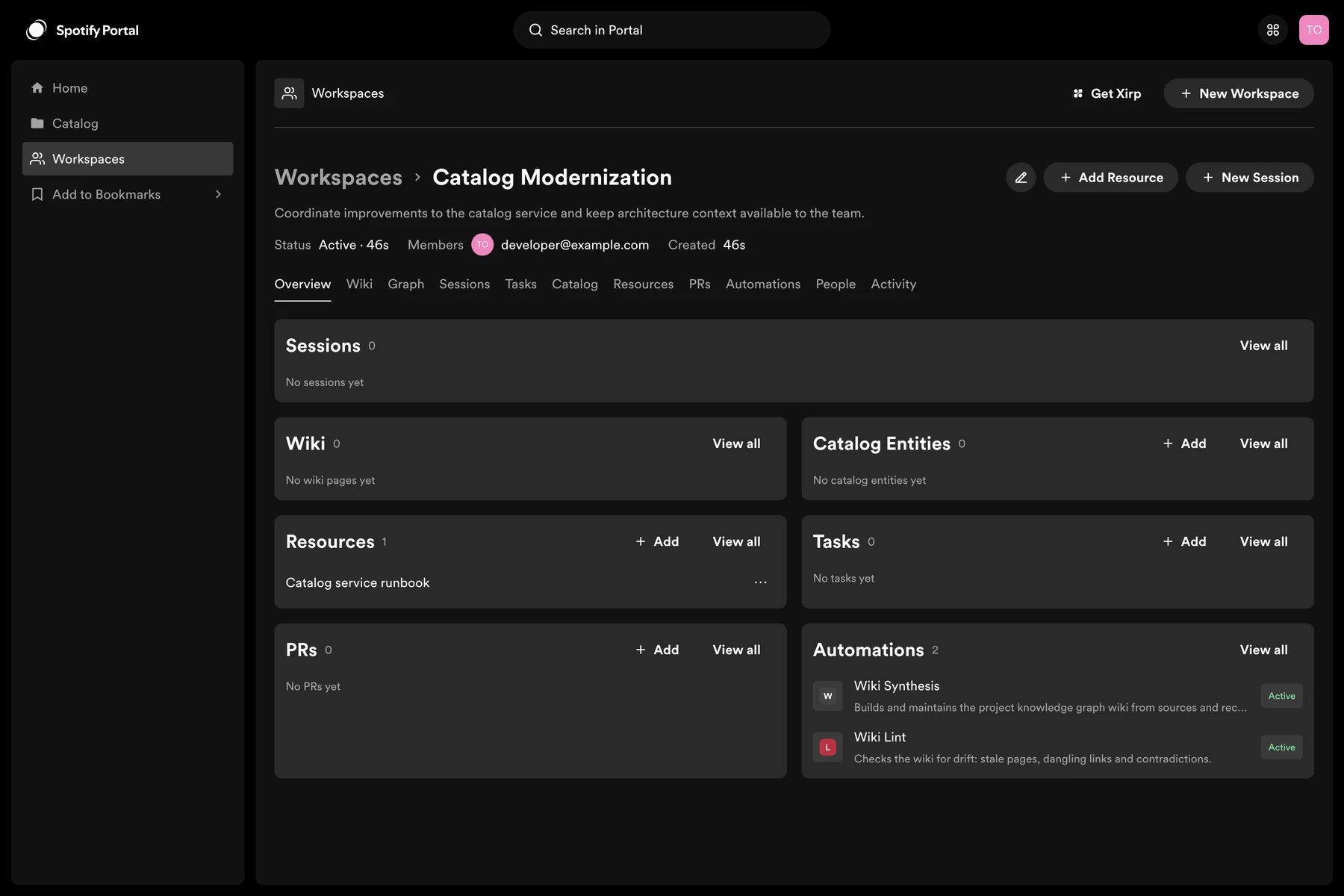
What a Workspace contains
- Members: users and teams allowed to access the Workspace
- Catalog entities: components, services, APIs, systems, and related software
- Resources: repository links, documents, design files, runbooks, Slack channels, pull requests, and other references
- Records: decisions, plans, and discussions
- Wiki pages: generated or human-maintained knowledge
- Sessions: uploaded Xirp transcripts associated with the Workspace
Create a Workspace
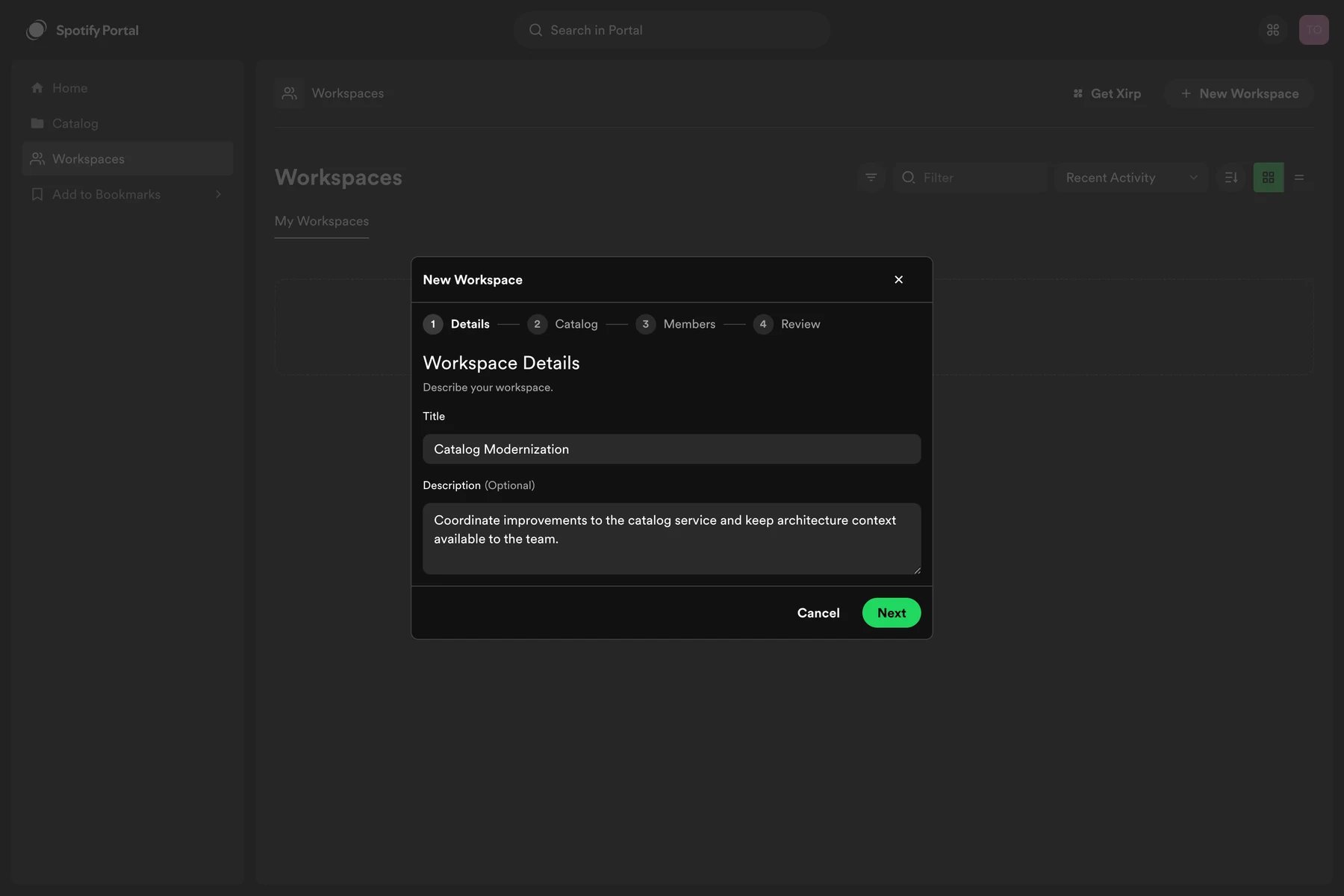
- Select New Workspace in Portal’s top navigation, or open Workspaces from the sidebar.
- Enter a title and optional description.
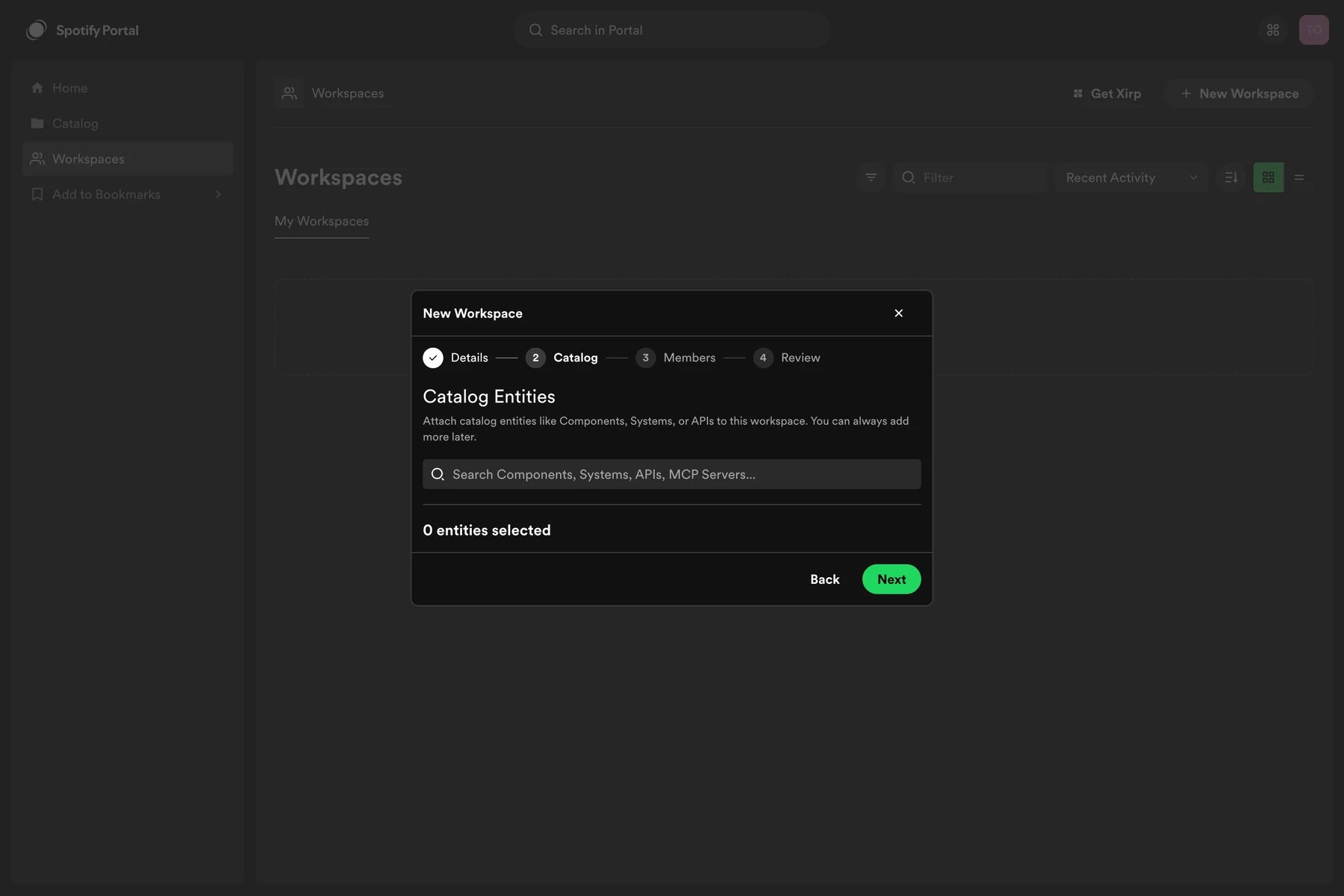
- Add relevant Software Catalog entities.
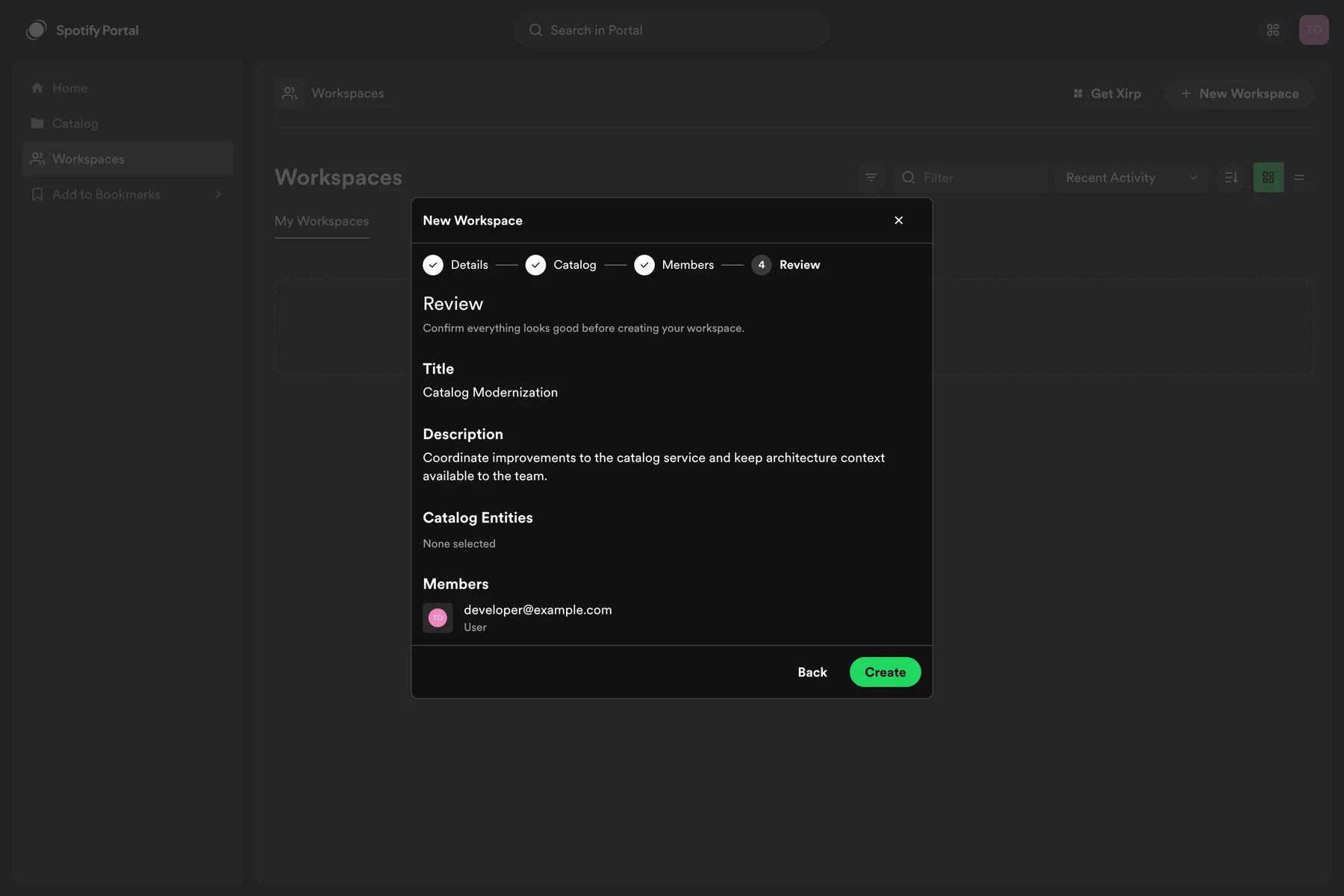
- Add users or teams as members.
- Review and create the Workspace.
Add members
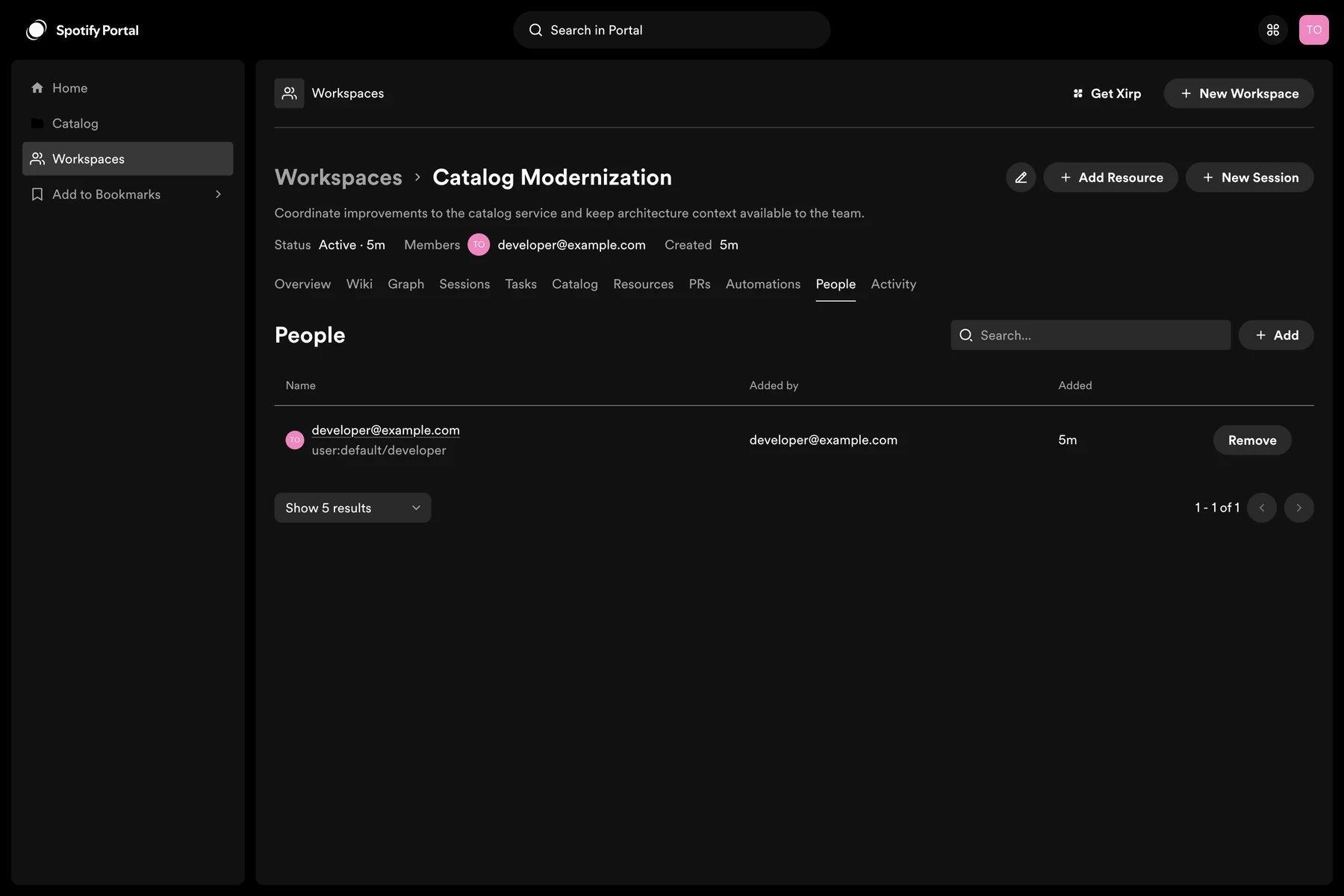
Select Add member in the Workspace. Add an individual user or a team from the Software Catalog. Adding a team gives its current members access according to the Workspace permission model. The first Portal administrator is responsible for inviting other users to the Portal instance. A Workspace invitation does not replace the instance invitation.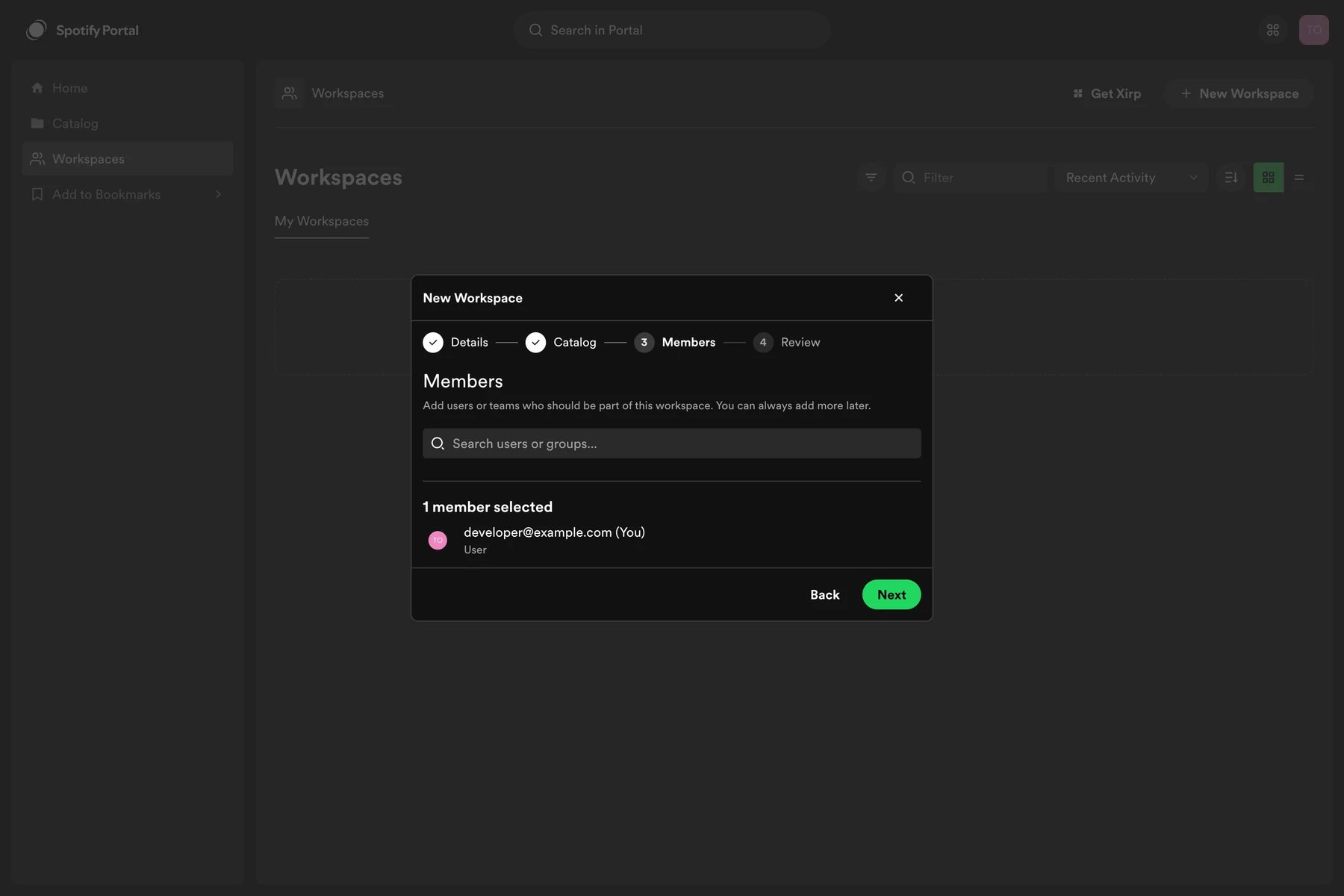
Workspaces and Xirp
A session launched from a Workspace requires at least one catalog component with a resolvable source repository. If the Workspace has several eligible components, choose which repository Xirp should clone or open. During the session, the agent can query Workspace context through MCP. After the work is complete, upload the transcript manually to share it with the Workspace.Add context
Add catalog entities, links, documents, work items, and other resources.
Build the wiki
Generate, review, and maintain structured knowledge from Workspace
resources.
Launch Xirp
Start a context-aware coding session and upload its transcript.
Connect GitHub
Populate the Software Catalog with repositories, users, and groups.
Supported integrations
Integration availability depends on your Portal configuration. More integrations are planned.
You can add any useful URL as a Workspace resource. When a session’s MCP client has an integration that can access the linked service, the agent may be able to retrieve additional context from that link.