

Add a project
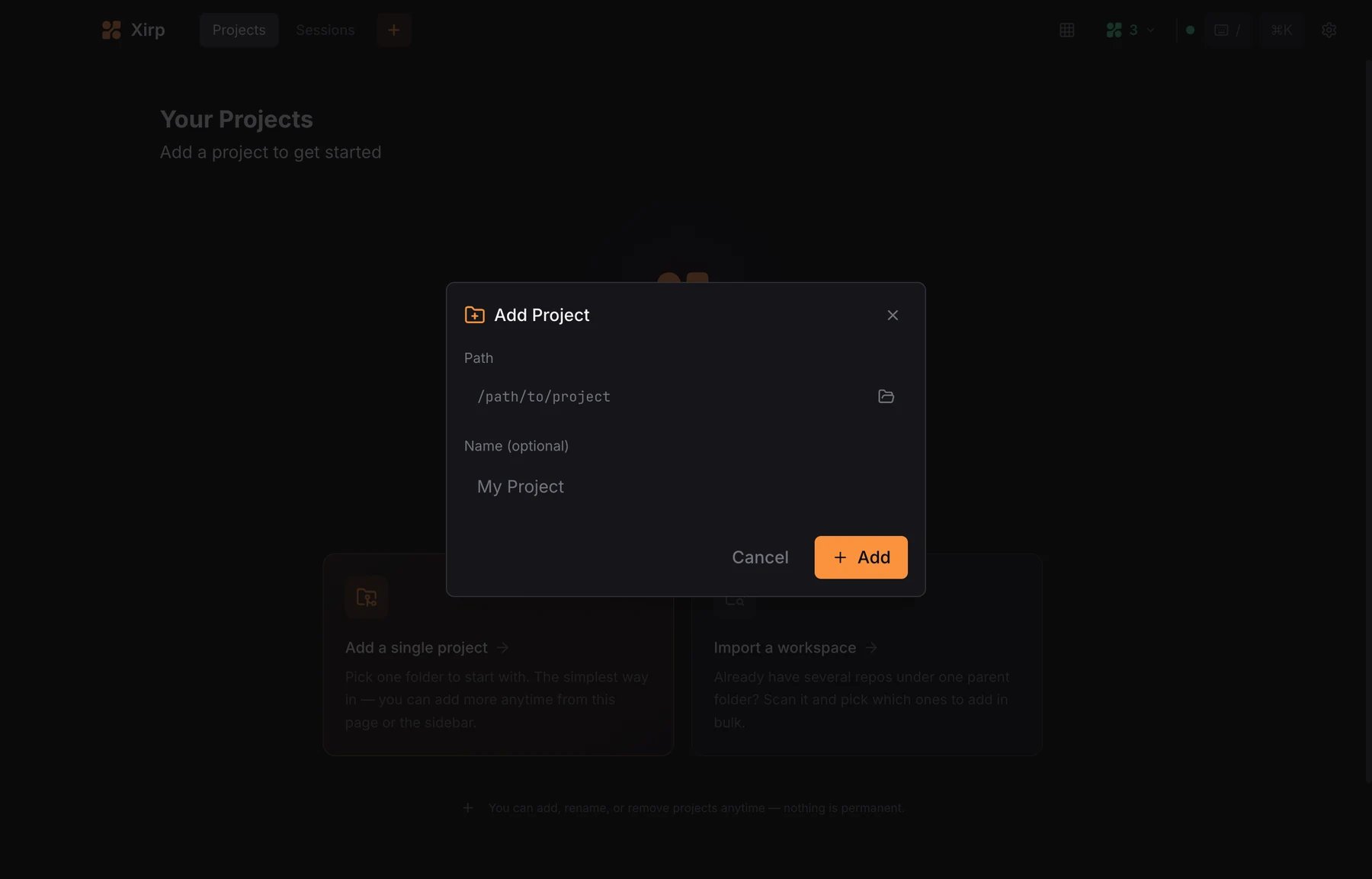
- Open the Projects tab in the sessions panel.
- Select Add Project.
- Enter an absolute folder path.
- Optionally enter a display name.
- Select Add.
- A single Git repository. This enables the full Git and worktree experience.
- A non-Git folder. Sessions, files, skills, and rules remain available.
- A parent folder containing several repositories. Agents can work across the children, but repository-level Git and worktree controls are limited.
Registering a project does not upload its files to Portal. The coding agent
and Xirp operate on the local folder.
Project overview
The overview shows active and recent sessions, worktrees, and a prompt box for starting work. Use the search field to filter session history by name, goal, branch, or last message.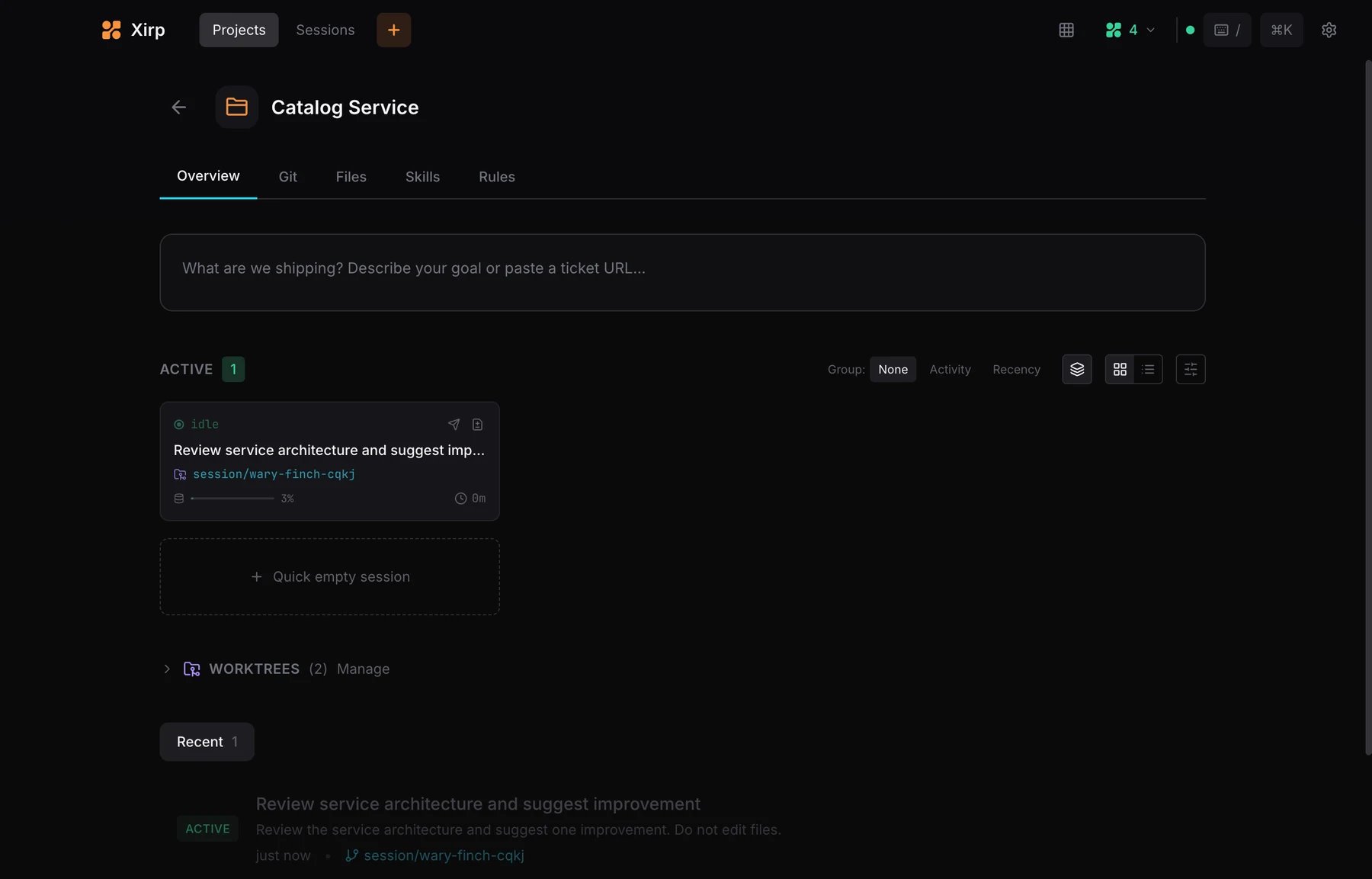
Git
The Git tab shows working-tree changes, branches, commit history, and commit controls. Select a changed file to inspect its diff before committing.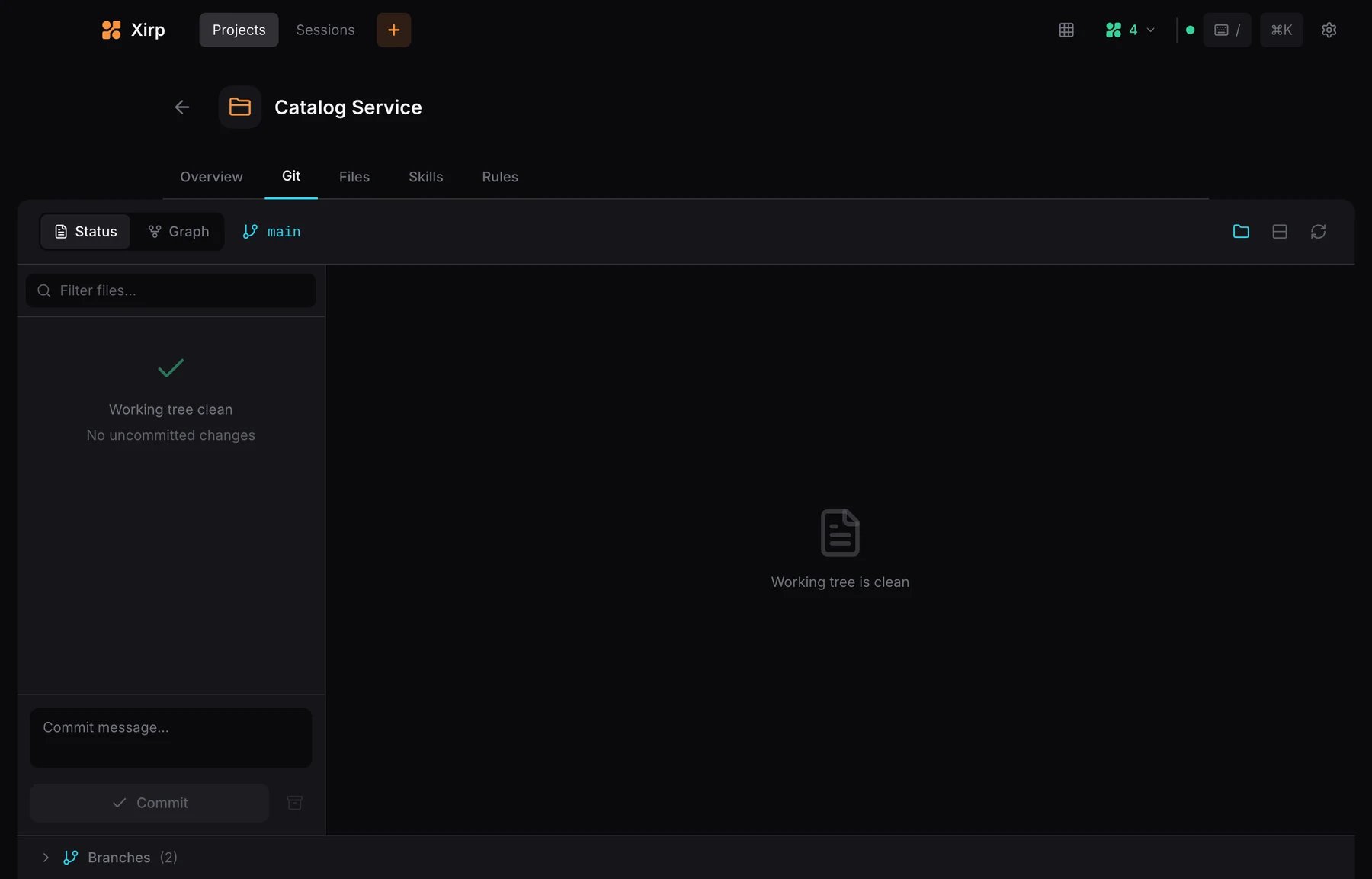
Files
The Files tab provides a file tree and editor. Markdown files can be viewed as source or previewed. Markdown files with Mermaid code blocks show the rendered diagram.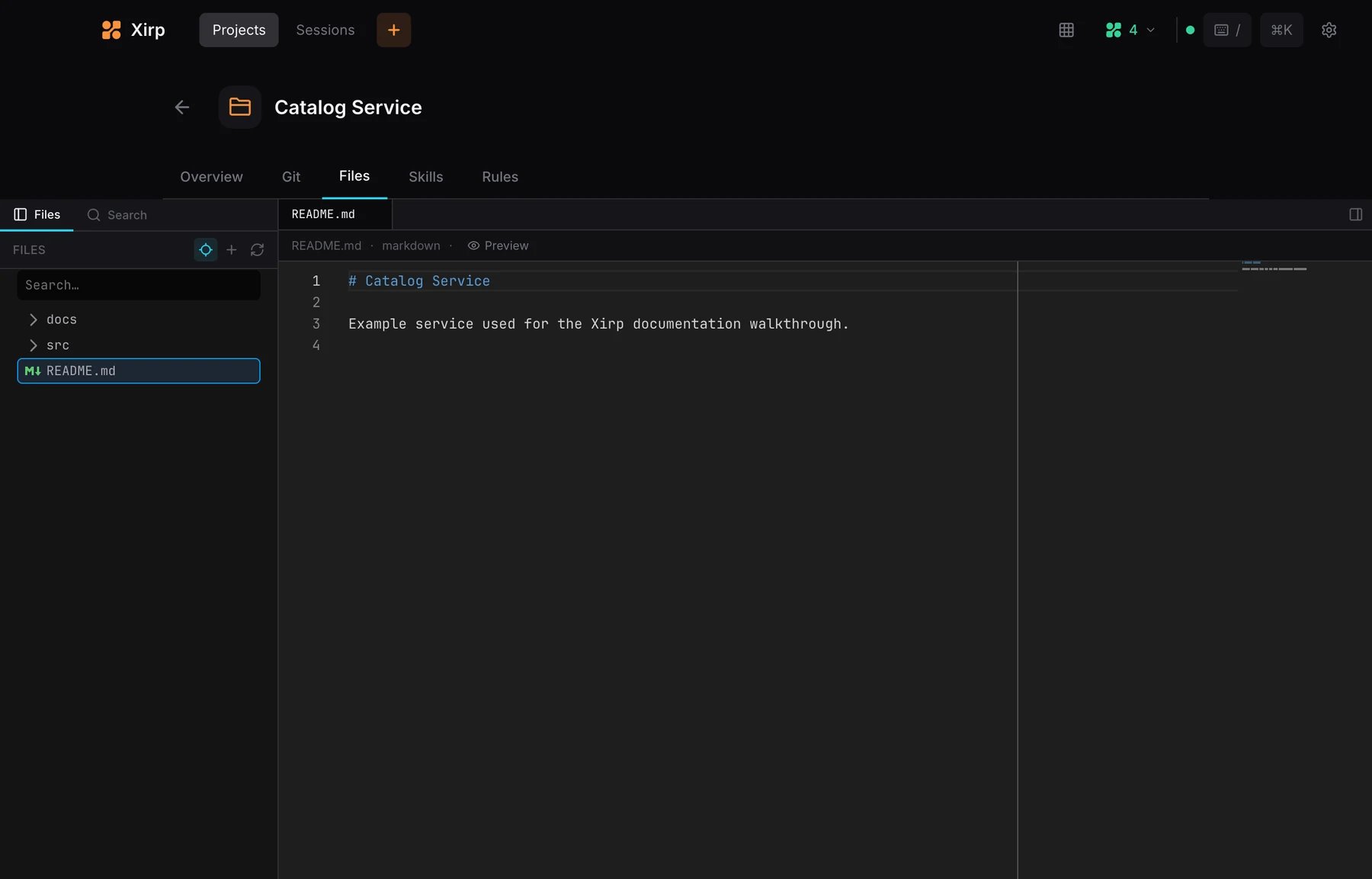
Cmd+P: open a file by nameCmd+Shift+F: search across project filesCmd+E: toggle the file editor from a session
Skills
The Skills tab lists reusable agent instructions discovered from supported global and project skill folders. Use skills for repeatable procedures such as release checks, migrations, or repository-specific operations.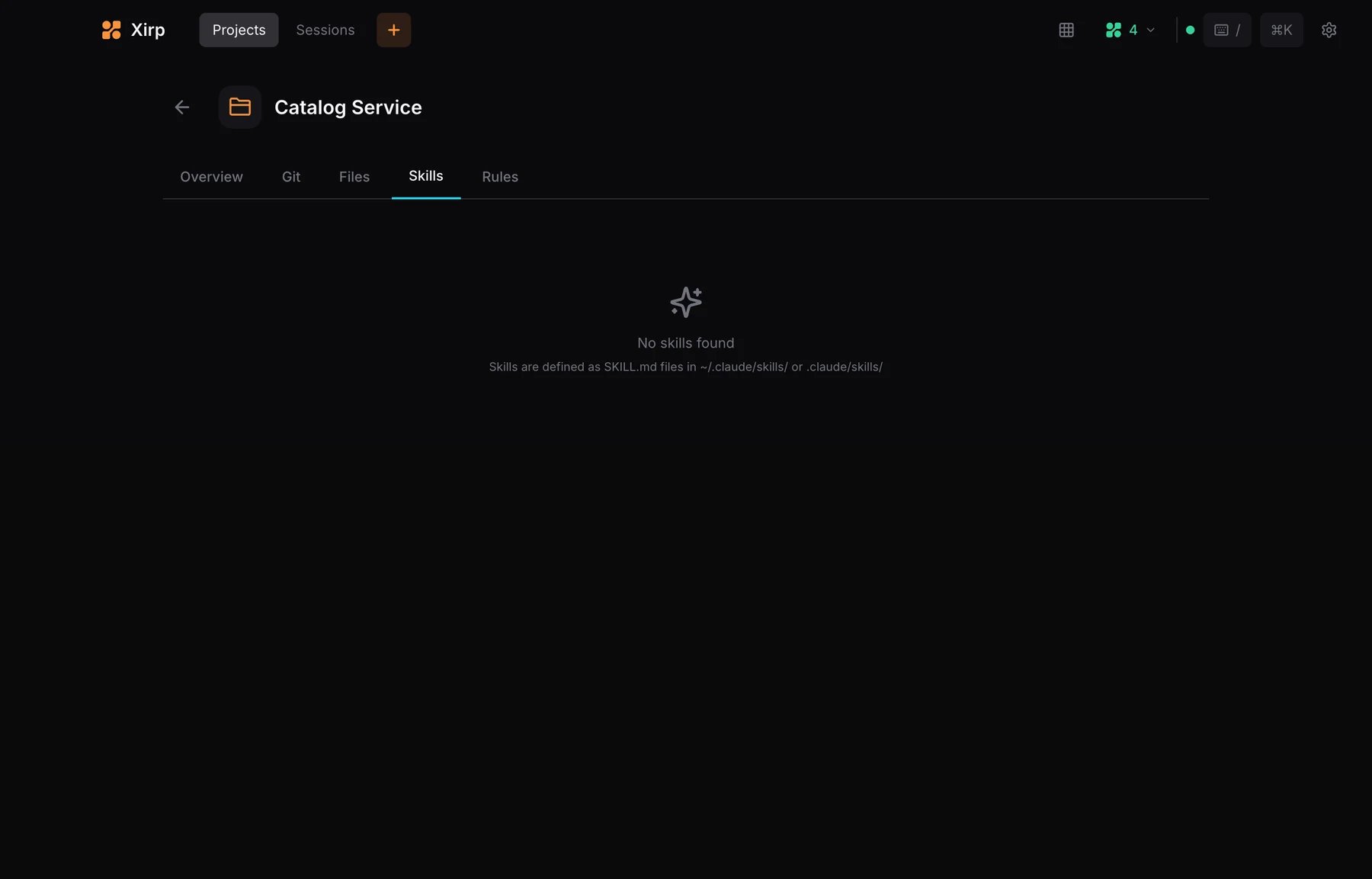
Rules
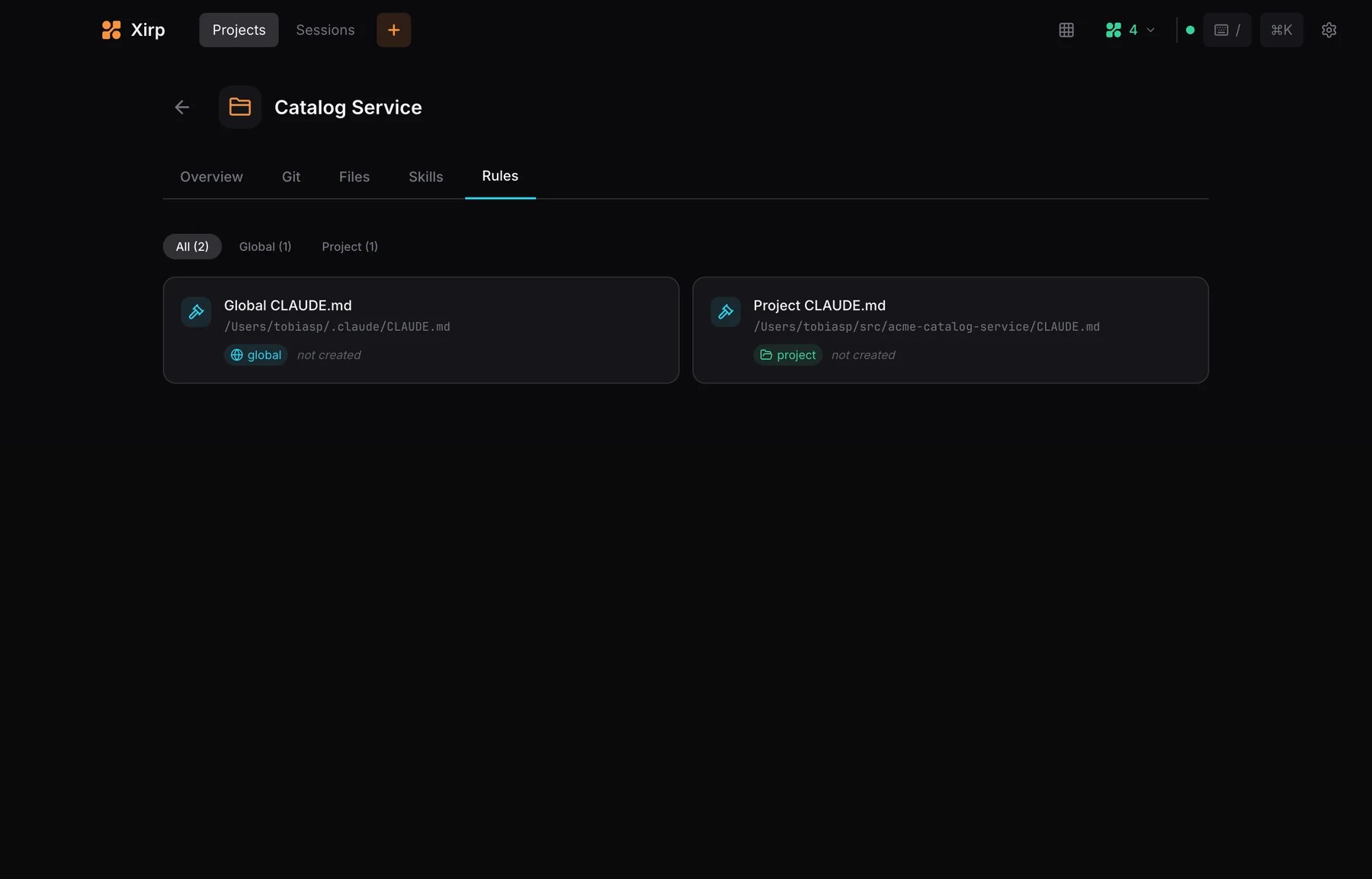
The Rules tab lists project and global instruction files such asCLAUDE.md, AGENTS.md, and supported agent configuration files. Rules help an agent follow repository conventions.
Manage projects
From the Projects page you can:- Pin frequently used projects
- Rename a project’s display name
- Remove a project from Xirp
- Import repositories from a parent folder