

App settings -> Users.
Now press the Add Admin button and select the group or user you want to add as an admin.
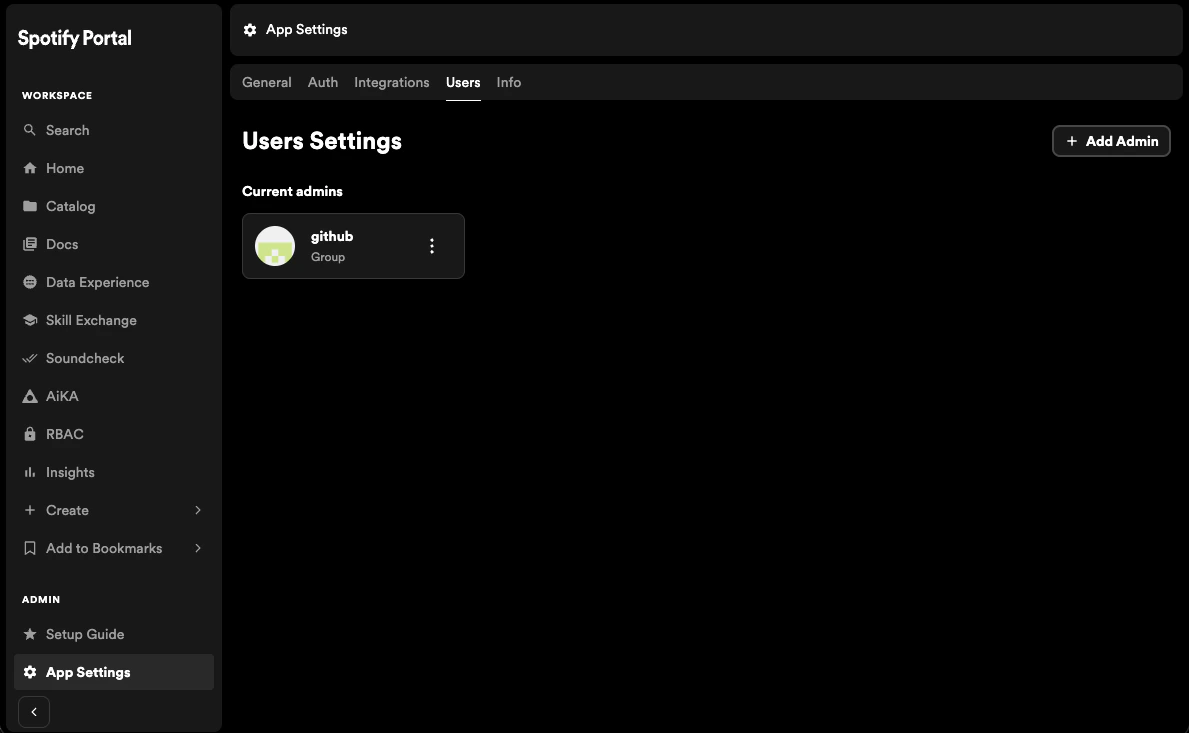
Preserve Portal admin privileges when switching to Entra ID by adding admin users or groups before changing auth providers.
App settings -> Users.
Now press the Add Admin button and select the group or user you want to add as an admin.