

Portal is optional. Xirp’s terminals, Coding Agents, local projects, Git
worktrees, pull request monitoring, skills, and rules work without a Portal
connection. Portal features apply when you connect an instance and launch a
session from its Software Catalog or a Workspace.
Start with code or start with context
Use Xirp directly
Add an existing checkout through Xirp, or clone a repository URL with Git
and add the resulting local folder. You get the complete local session,
terminal, Git, and worktree workflow.
Launch from Portal
Select a Software Catalog entity or Workspace. Xirp resolves the repository,
prepares the local project, and connects eligible sessions to Portal context
through MCP.
Compare the experience
You can configure other MCP servers independently of Portal. The comparison above refers specifically to Portal’s Workspace context and tools.
What Portal adds to a session
Repository discovery
Portal maps a catalog entity such as
component:default/my-service to its
repository through the backstage.io/source-location annotation. Xirp can
match an existing local project or prepare the repository automatically.Context before coding
A Workspace-launched session is instructed to load the project overview
before starting work, including wiki pages, resources, records, catalog
entities, and members.
Knowledge on demand
The Coding Agent can use Portal MCP tools to retrieve deeper details when
needed instead of placing every document into the initial prompt.
Shared continuity
Upload an eligible session transcript to its Workspace. Teammates and future
sessions can use that history instead of rediscovering the same context.
Build context once, use it across agents
A Workspace brings together catalog entities, wiki pages, technical records, links, documents, ownership, and previous session transcripts. That context is permission-aware and available through MCP. Xirp provides the integrated launch and upload workflow, while other MCP-compatible clients can also use Workspace tools.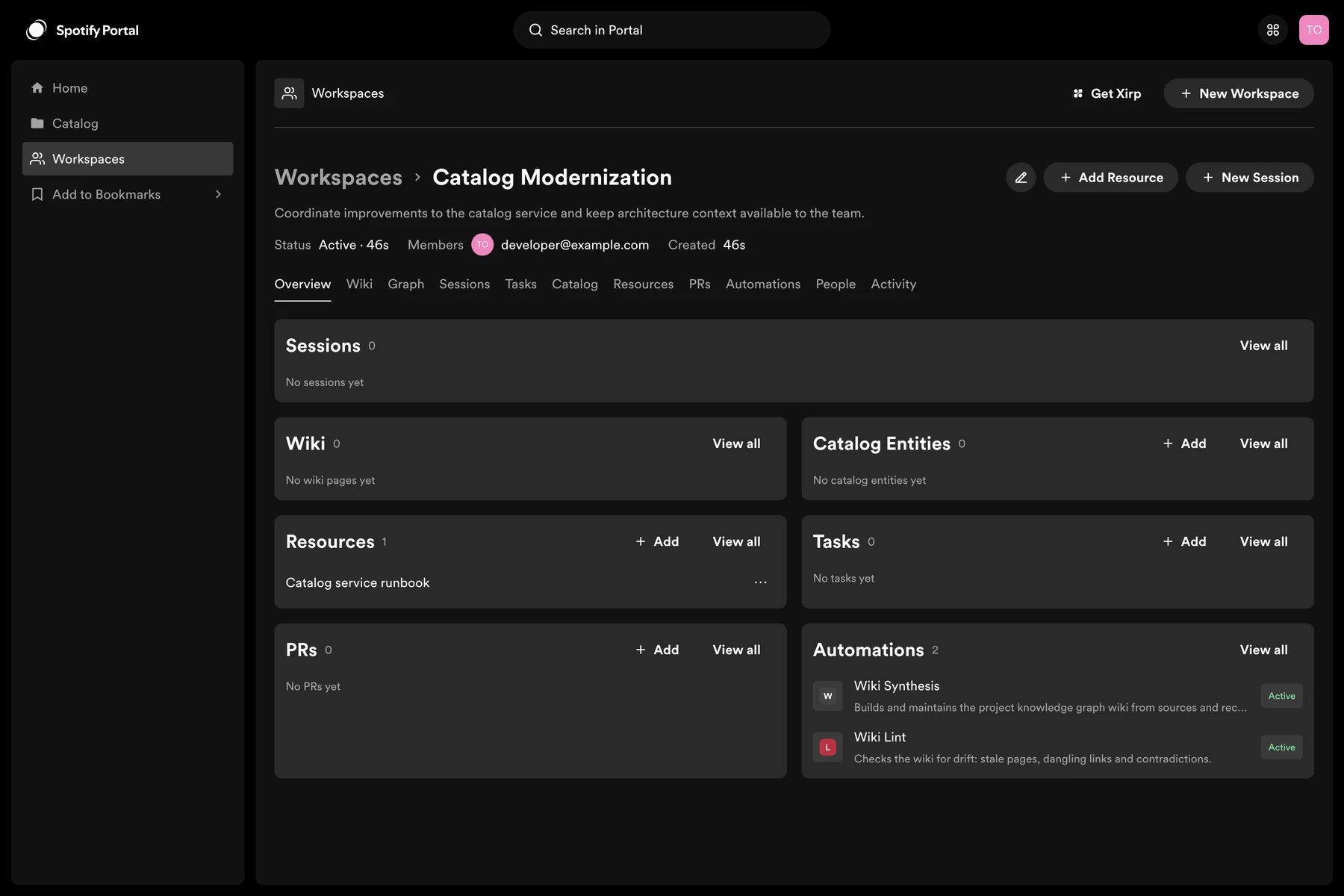
Add Portal to Xirp
Try Spotify Portal
Request access to Spotify Portal and explore shared context for your
engineering organization.
Learn about Portal
Explore Portal’s Software Catalog, developer experience, governance, and
platform capabilities.
Connect Xirp
Connect an existing Portal instance to Xirp through OAuth.
Use Workspaces
Create shared context, launch informed sessions, and preserve useful session
history.