> ## Documentation Index
> Fetch the complete documentation index at: https://backstage.spotify.com/docs/llms.txt
> Use this file to discover all available pages before exploring further.
# Uninstalling a Plugin
> Remove installed plugins from your Portal instance, review affected packages, and understand data removal implications.
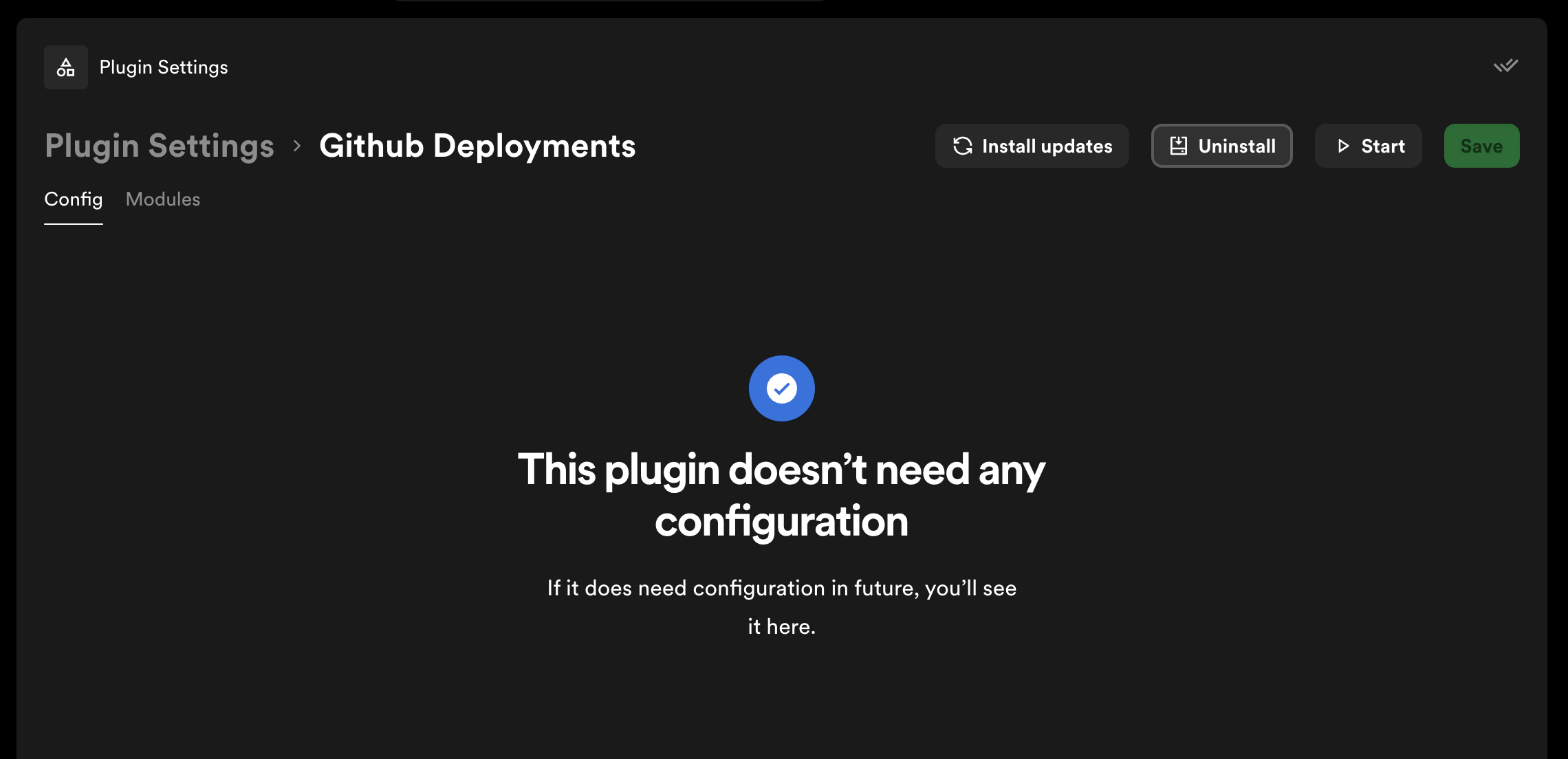
1. From Plugin Settings, click on the plugin you want to remove to open its detail page, then click **Uninstall**
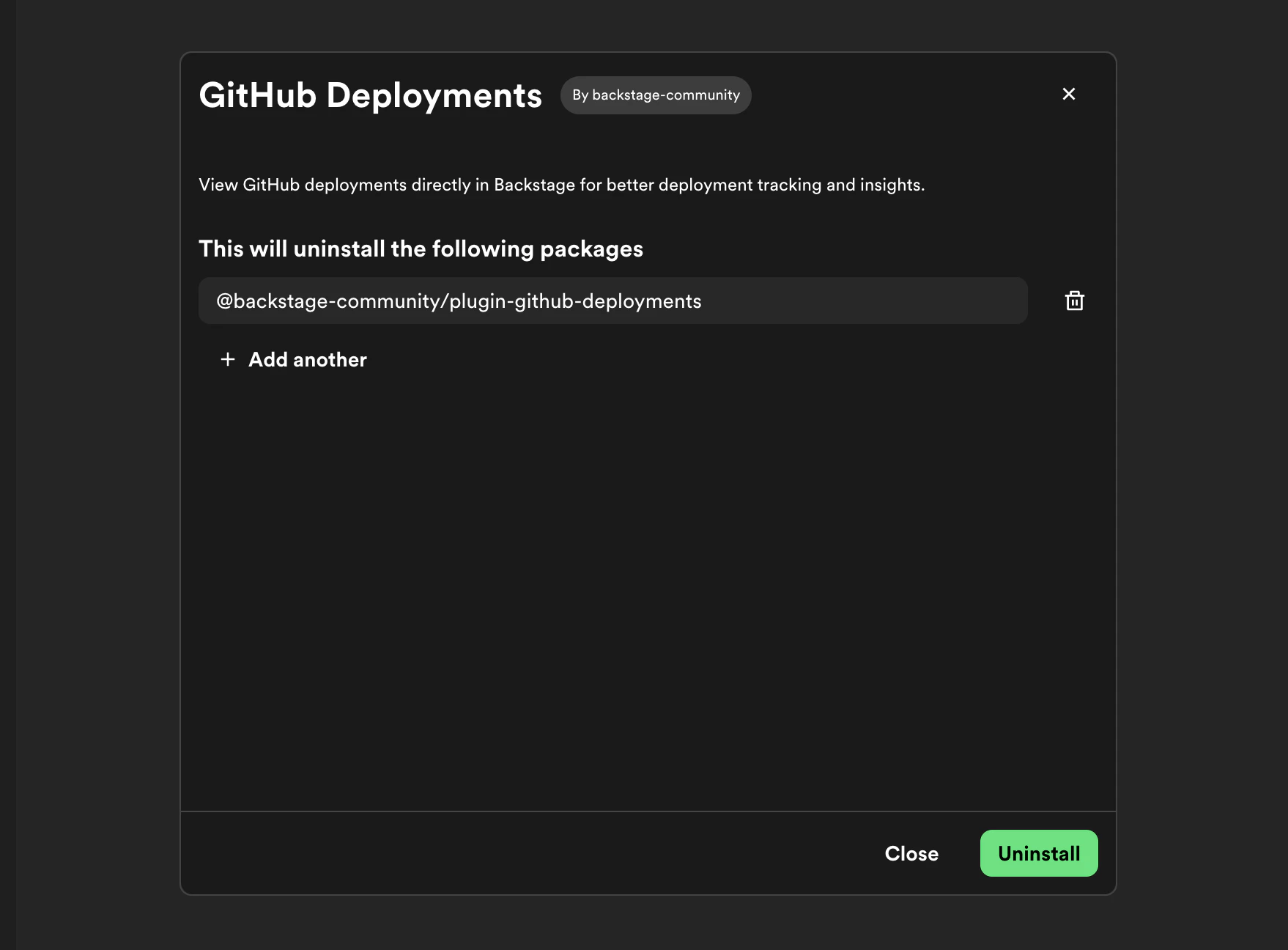
 2. In the uninstall dialog, review the packages that will be removed
 Uninstalling a plugin will remove all data associated with that plugin. This
action cannot be undone.
3. Click **Uninstall** to confirm and begin the removal
Uninstalling a plugin will remove all data associated with that plugin. This
action cannot be undone.
3. Click **Uninstall** to confirm and begin the removal
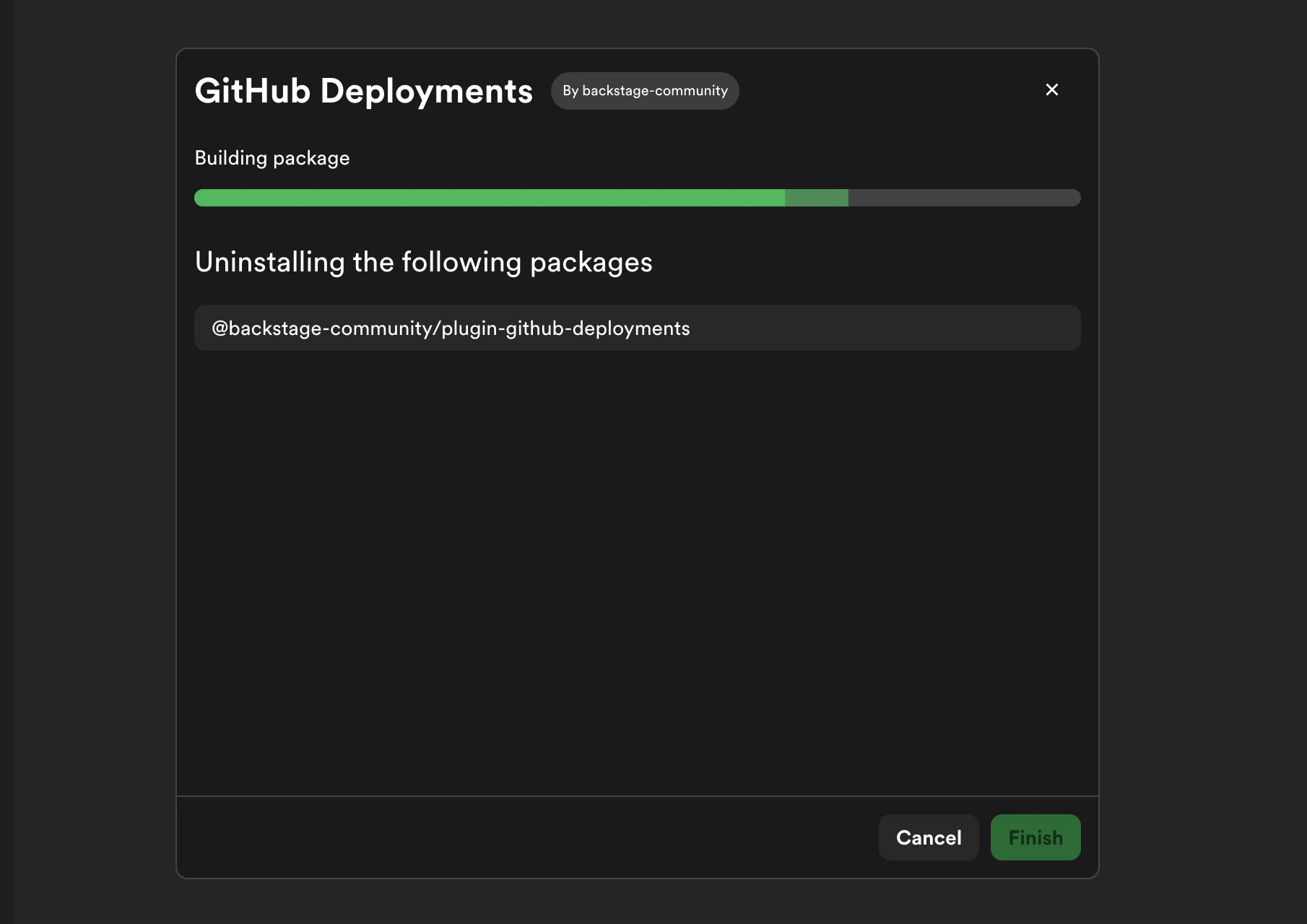 4. Portal will start a build process. You can monitor progress in the build dialog — see [Build Progress](./build-progress) for details
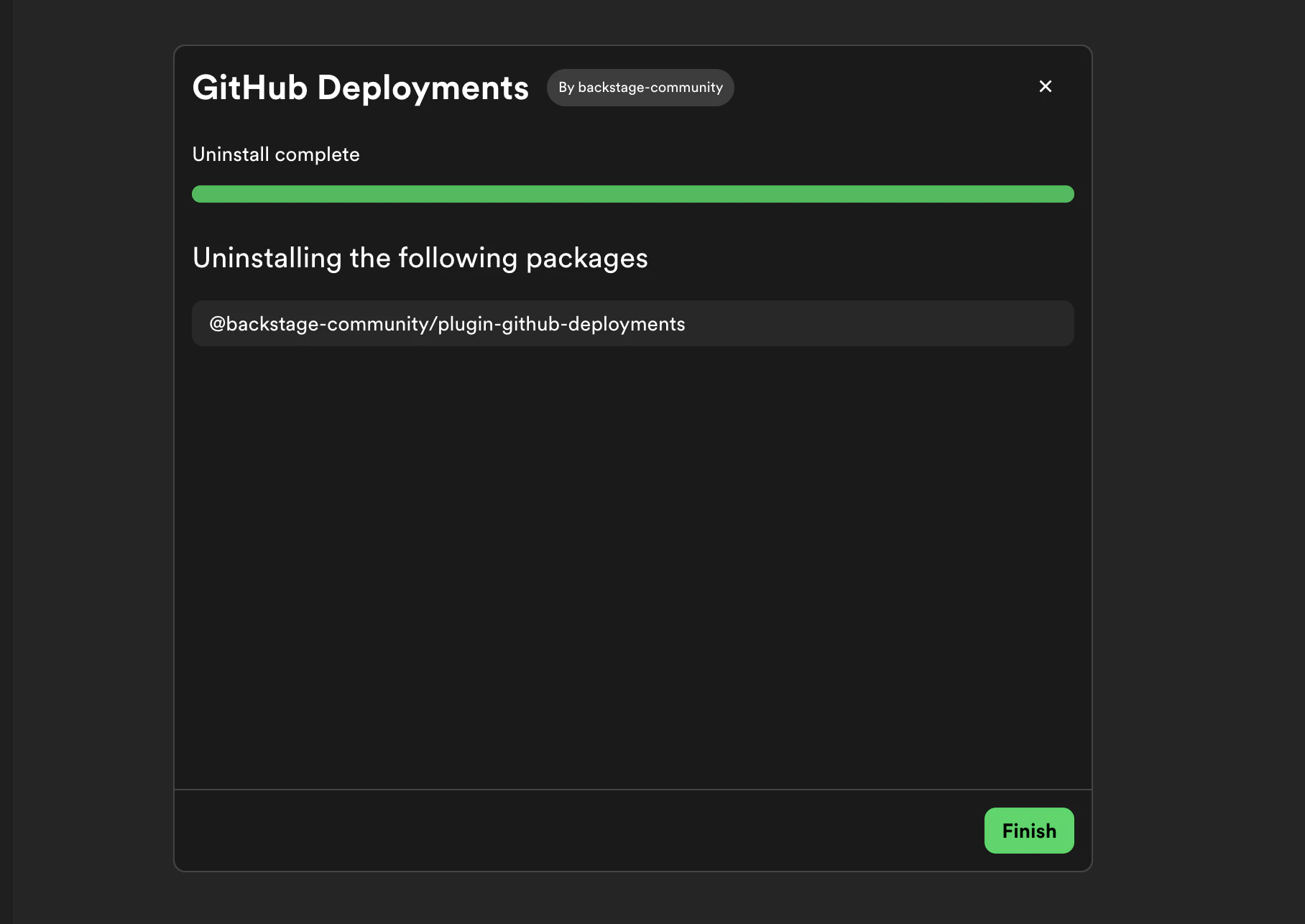
5. Once the build completes successfully, click **Finish** to return to Plugin Settings
4. Portal will start a build process. You can monitor progress in the build dialog — see [Build Progress](./build-progress) for details
5. Once the build completes successfully, click **Finish** to return to Plugin Settings