> ## Documentation Index
> Fetch the complete documentation index at: https://backstage.spotify.com/docs/llms.txt
> Use this file to discover all available pages before exploring further.
# Retain admin access
> Preserve Portal admin privileges when switching to Entra ID by adding admin users or groups before changing auth providers.
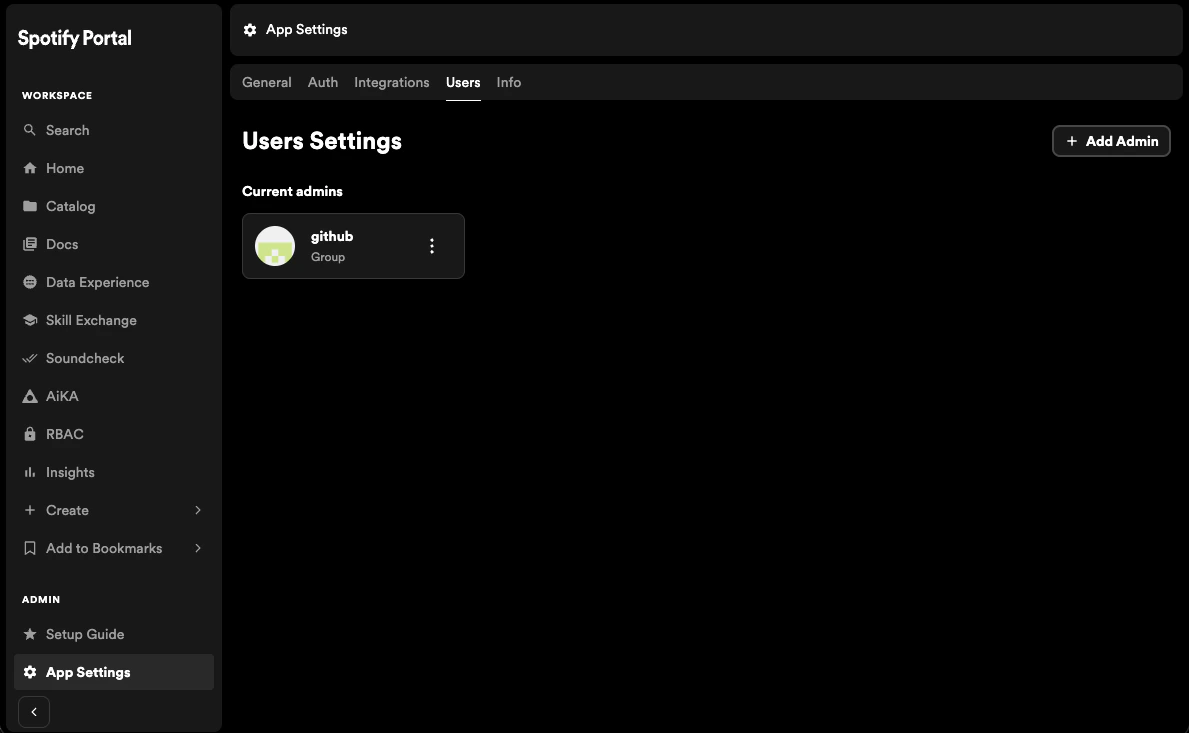
To retain admin access to Portal, from the admin sidebar section, select `App settings` -> `Users`.
Now press the `Add Admin` button and select the group or user you want to add as an admin.
 ## Next Steps
If in the future you wish to remove Entra ID as an authentication provider, follow the next section to learn how to remove existing users and groups from the catalog.
## Next Steps
If in the future you wish to remove Entra ID as an authentication provider, follow the next section to learn how to remove existing users and groups from the catalog.